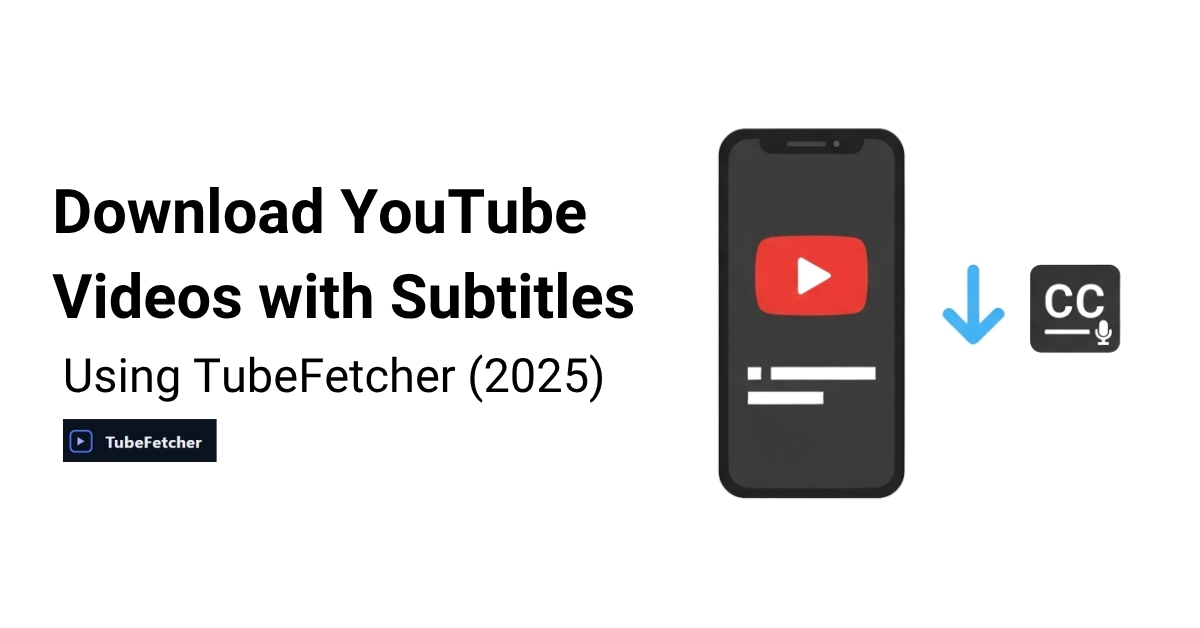
To download YouTube videos with subtitles in 2025, use a privacy-focused YouTube downloader like TubeFetcher or a command-line tool such as yt-dlp. These tools let you save videos with embedded captions or extract subtitle files in formats like .srt or .vtt for offline use, translation, or editing.
TubeFetcher supports downloading videos with embedded captions (if available) as part of its streamlined, local-first workflow. More advanced users can use yt-dlp to download subtitles separately or in multiple languages.
Why Download YouTube Videos with Captions?
Captions and subtitles provide more than just accessibility; they enable better offline learning, enhance comprehension in noisy environments, and allow viewers to engage with content in different languages. For educators, researchers, language learners, and creators, downloading videos with subtitles is essential for study, repurposing, and archiving.
Common use cases include:
- Saving lectures or tutorials for offline teaching
- Backing up multilingual content for translation
- Repurposing spoken content into articles or transcripts
- Improving accessibility for viewers who are deaf or hard of hearing
When subtitles are preserved in a downloadable format, they add significant value to the video beyond just playback.
Understanding YouTube Subtitles and Caption Types
YouTube supports several types of subtitles, each with different implications for downloadability and format compatibility.
Subtitle Types
- Manually Uploaded: Created and uploaded by the content owner; usually the most accurate.
- Auto-Generated: Created by YouTube’s speech recognition system; available in most videos but may have errors.
- Community-Contributed: Previously allowed user-contributed subtitles, now deprecated in many regions.
Subtitle Formats
- .srt (SubRip Subtitle): Widely supported, editable, includes timestamps.
- .vtt (WebVTT): Standard for web video players; similar to .srt but includes styling options.
- Hardcoded Subtitles: Permanently embedded into the video stream; cannot be toggled off or edited post-download.
Language Availability
If the uploader provides subtitles in multiple languages, supported download tools may allow you to select a specific language track. This is especially useful for multilingual education, localization, and accessibility.
TubeFetcher note: The current version (v1.0.1) downloads videos with embedded captions if present. Subtitle file export (e.g., .srt) is in development and will be added in future updates.
How to Download YouTube Videos with Subtitles Using TubeFetcher
TubeFetcher is a native YouTube downloader app for Windows and Android that runs 100% offline, no browser extensions, no login, no tracking. It’s designed for speed, privacy, and simplicity.
System Compatibility
- Windows: Full support via the official installer
- Android: Available as a secure APK
- macOS: Coming soon (subscribe for updates)
Supported Formats
- Video: MP4 (with resolutions from 144p to 1080p+)
- Audio: MP3 conversion available
- Captions: Embedded if available on the video
Step-by-Step: Downloading with Captions
- Download and install TubeFetcher on your Windows PC or Android device.
- Copy the video URL from YouTube.
- Paste the link into the TubeFetcher interface.
- Choose your preferred resolution, from 144p for small screens to full HD.
- Click “Download.” If the original YouTube video includes embedded subtitles, they will be saved within the MP4 video file.
There is no need to log in, configure proxy settings, or disable firewalls. TubeFetcher operates entirely offline, giving you full control over your downloads without exposing your data to third-party servers.
Important: TubeFetcher currently supports embedded subtitle downloads only. Exporting .srt or .vtt files separately will be available in an upcoming version. For now, those needing subtitle files should consider using yt-dlp or combining TubeFetcher with post-processing tools.
Advanced Method: Downloading Subtitles with yt-dlp
For users comfortable with the command line, yt-dlp offers full control over YouTube subtitle downloads. This open-source tool is a maintained fork of youtube-dl and supports a wide range of subtitle-related options.
Command Example (with .srt export):
yt-dlp –write-sub –sub-lang en –convert-subs srt https://youtube.com/watch?v=VIDEO_ID
Common Options Explained:
- –write-sub: Downloads the available subtitles with the video
- –sub-lang en: Specifies the subtitle language (replace en with your preferred code)
- –convert-subs srt: Converts subtitle format from .vtt (default) to .srt
- –embed-subs: Embeds subtitles directly into the video file as a hardcoded stream
This method gives you the flexibility to download captions only, translate them, or use them in third-party editing tools.
Subtitle Format Comparison
| Format | Use Case | Supported by TubeFetcher? |
| .srt | Universal, editable subtitle format | Planned for future release |
| .vtt | Web video captions, browser-native | Planned for future release |
| Hardcoded | Permanent, non-removable subtitles | Requires post-processing |
| Auto-generated | Quick captions, lower accuracy | Depends on source metadata |
Note: TubeFetcher v1.0.1 supports embedded subtitles only (as available in the YouTube stream). Subtitle file export is under development.
Tool Comparison Table
| Tool | Captions Supported | Subtitle Export | Platform | Privacy Model |
| TubeFetcher | Embedded (if present) | Not yet | Windows, Android | Full local-only |
| yt-dlp | Yes | Yes | All (CLI) | Depends on usage |
| 4KDownloader | Yes | Yes | Windows, macOS | Commercial software |
| DownSub | Yes | Yes | Web-based | Server-side processing |
Legal Considerations: Is Downloading Subtitles Allowed?
Downloading videos or subtitles from YouTube may violate its Terms of Service, especially if used for redistribution or commercial purposes. You are responsible for ensuring that your use complies with local copyright laws.
TubeFetcher is designed to prioritize privacy and local control. It does not access, log, or transmit any user data, but users must ensure their downloads are legal and ethical.
Platform-Specific Subtitle Download Options
| Platform | Recommended Tool | Notes |
| Windows | TubeFetcher (v1.0.1) | Native UI, supports embedded captions |
| Android | TubeFetcher (APK) | Full offline mobile support |
| macOS | Coming soon | Subscribe for updates |
| Linux | yt-dlp (command line) | Advanced CLI option with subtitle export |
Why Download Videos with Subtitles?
Subtitles enhance value in numerous scenarios:
- Educators: Save lecture videos with captions for classroom use
- Researchers: Archive and analyze multilingual video content
- Travelers: Watch captioned content offline without internet
- Content creators: Repurpose video content into articles, podcasts, or transcripts
Whether you’re using captions for accessibility or archiving, having local subtitle support adds versatility and control to your workflow.
Why Do YouTube Subtitles Not Download?
If captions aren’t appearing in your download, check the following:
- The video may not include subtitles at all
- Auto-generated captions may be unavailable or restricted
- YouTube may have changed subtitle structures or APIs
- Your tool may be out of date or lack support for the format
TubeFetcher v1.0.1 downloads embedded captions only; subtitle files are not yet exportable, but are on the roadmap.
Downloading YouTube Videos with Subtitles in 2025
Whether you’re watching videos offline, studying language content, or repurposing educational material, subtitled downloads are essential. TubeFetcher provides a clean, private way to download YouTube videos with embedded captions, without extensions, ads, or tracking.
For users who need more advanced subtitle handling (such as separate subtitle files or multiple language tracks), command-line tools like yt-dlp offer fine-tuned control.
As of version 1.0.1, TubeFetcher remains the best local-first solution for downloading YouTube content quickly and securely.
Download for Windows or Android now.
Frequently Asked Questions
What is TubeFetcher used for?
TubeFetcher is a fast, privacy-first YouTube downloader for Windows and Android. It allows users to download MP4 videos or MP3 audio without ads, tracking, or browser extensions.
Can I download only subtitles from a YouTube video?
Yes. While TubeFetcher focuses on full video downloads with embedded captions, tools like yt-dlp let you extract only the subtitle files.
Is it legal to download videos with captions?
Only if you have the rights to the content. Public domain, Creative Commons, or your own uploaded videos are generally safe. Always check the law in your jurisdiction.
Can TubeFetcher download subtitles in multiple languages?
Not yet. Language selection for subtitles will be supported in a future update.
Does TubeFetcher support hardcoded captions?
Not directly. It downloads embedded captions (if present), but to hardcode subtitles into a video, you’ll need additional video editing tools.
How does TubeFetcher compare to 4KDownloader or yt-dlp?
- TubeFetcher: Native, no tracking, local-first. Simple and fast.
- yt-dlp: Command-line, powerful and scriptable, ideal for advanced users.
- 4KDownloader: GUI-based, commercial tool, more setup required.