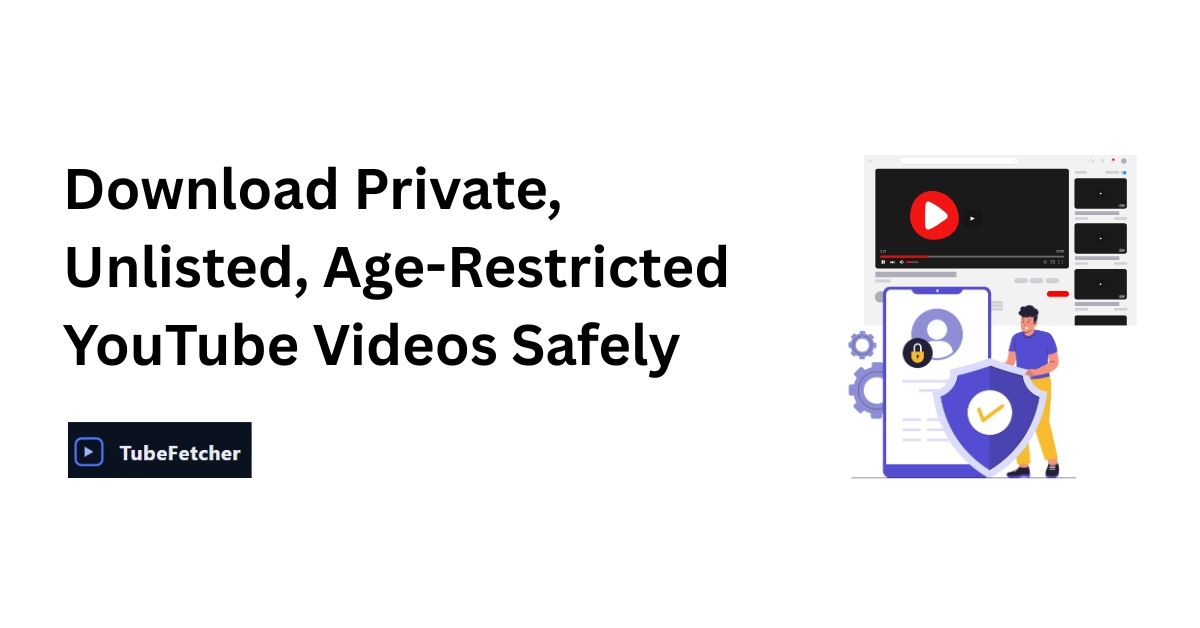
YouTube hosts a wide range of videos with different visibility settings. While many are public and downloadable with the right tools, others are restricted. These include private videos, unlisted uploads, and age-restricted content. Each type of restriction affects whether, when, and how a video can be viewed or saved offline.
This guide explains the differences between these video types, when downloads are allowed, and how to handle the process responsibly. It includes tool comparisons, permission requirements, and platform-specific methods built for users who value privacy, control, and speed.
Understanding the Access Levels of YouTube Videos
YouTube categorizes video visibility into three primary access levels. Each one affects whether or not you can view or download the content, and under what conditions.
Private Videos
Private videos are visible only to the specific Google accounts added by the uploader. These cannot be searched, shared via link, or accessed by non-invited users. Even if you have the direct URL, it will not work unless your account has been approved.
Unlisted Videos
Unlisted videos are not searchable through YouTube but can be viewed by anyone who has the direct link. They function as semi-public uploads, often used for sharing with limited audiences without formal privacy restrictions. These videos are commonly used for portfolios, event recaps, and internal team communication.
Age-Restricted Videos
Age-restricted videos require the viewer to be signed into a Google account that meets YouTube’s age policy. These typically include sensitive, 18-plus, or NSFW content. Age restrictions also block embedding and some third-party access methods unless handled through verified sessions.
Downloading Unlisted YouTube Videos With Permission
Unlisted videos offer the most flexible option for legitimate downloading. Since they are accessible via a link, viewers who have permission from the uploader can save them for offline use using trusted tools.
When Downloading Is Allowed
- You have received the link directly from the uploader
- The video is being used for educational, backup, or offline learning purposes
- The uploader has granted download permission
Recommended Method Using TubeFetcher
If the video is unlisted and you have permission to download it, TubeFetcher (YouTube Downloader) is a strong privacy-respecting solution. It is a native desktop YouTube downloader that runs entirely offline.
Steps to download with TubeFetcher:
- Launch TubeFetcher on your Windows or Android device (macOS version coming soon)
- Windows users can install via TubeFetcher for Windows (Setup)
- Android users can use the TubeFetcher for Android (Universal APK)
- Paste the unlisted video link into the download field
- Choose the format (MP4 or MP3) and resolution (144p to 1080p+)
- Click the download button
- The video is saved locally, with no data sent to external servers
TubeFetcher does not track user behavior, require login, or embed ads. It operates entirely offline, making it well-suited for users downloading permitted unlisted content without compromising privacy.
Alternate Tools That Support Unlisted Videos
- VLC Media Player: Paste the link into Open Network Stream and record the playback
- 4K Video Downloader: Supports unlisted videos if the link is valid
- SnapDownloader: Requires a full link and may prompt for format confirmation
Accessing and Downloading Private YouTube Videos Shared With You
Private YouTube videos cannot be accessed unless your Google account is explicitly added by the uploader. Attempting to download private content without permission violates YouTube’s Terms of Service and may result in legal consequences.
Recognizing Private Access
- The video displays a locked icon
- You are prompted to log in, and get an error if not shared
- The uploader must grant access through YouTube Studio
Download Options With Access
If you are one of the allowed viewers, you can either:
- Ask the uploader to send you the original MP4 file directly
- Record the playback using the built-in screen recorders
- Use VLC to play and save the stream if the URL is directly accessible from your session
Ethical Steps When Access Is Denied
If you are not granted access:
- Do not attempt to bypass the restriction using cookies, scripts, or developer tools
- Respect the uploader’s control over visibility
- Request access using a formal message, such as:
Request Message Example:
Hi [Uploader Name], I came across your private video on [topic]. I’d like to view or download it for [reason]. Would you be willing to share access with my account or send me a downloadable file? I’ll credit your content appropriately and use it only for [purpose].
Viewing and Downloading Age-Restricted YouTube Content
Age-restricted videos enforce content access limits based on the viewer’s birthdate and account settings. While these restrictions are easier to navigate than private videos, they still require sign-in and sometimes location compliance.
How Age-Restriction Works
- Users must be signed in to a Google account
- YouTube may require a government ID or a credit card for age verification
- Content cannot be embedded on external sites without permission
Approved Viewing Methods
- Sign in to YouTube with an age-verified account
- Watch directly on the YouTube platform
- Use YouTube Premium or parental tools if available
Downloading After Verification
Once the video is accessible:
- VLC Media Player can stream and record the playback
- yt-dlp (advanced tool) can be used if session cookies are available and legal permission is in place
- TubeFetcher may be used if the age-restricted video is also unlisted and shared with you, since TubeFetcher (YouTube Downloader) supports permitted unlisted downloads fully offline
Never attempt to bypass age verification using fake credentials, scripts, or third-party bypass services. These are against YouTube policy and can compromise your account security.
Comparison Table: Access Type, Tool, Permission, and Risk Level
| Video Type | Access Required | Download Method (If Allowed) | Supported Tools | Risk Level |
| Unlisted | Link only | Paste and download | TubeFetcher, VLC, 4K | Low |
| Private | Uploader-shared Google login | Request access, use the screen recorder | VLC, system recorder | Medium |
| Age-Restricted | Verified Google account | Sign in, record via media player | VLC, yt-dlp (if permitted) | Medium to High |
Legal and Ethical Considerations When Downloading Videos
YouTube’s Terms of Service prohibit the downloading of videos without permission unless explicitly offered through features like YouTube Premium or an official download button. Ignoring these rules may lead to account suspension or legal actions.
Legal Guidelines
- Only download content you have permission to access
- Do not share or repost downloaded content without attribution and rights
- Respect the regional and content restrictions applied by the uploader
Ethical Use Cases
- Offline education and coursework
- Research and commentary
- Personal archiving with permission
TubeFetcher supports ethical downloading by offering a completely offline environment. You may view installation options in the TubeFetcher Downloads section if you meet all legal requirements.
Tool Overview for Different YouTube Video Types
| Tool | Supports Unlisted | Supports Private | Supports Age-Restricted | Offline |
| TubeFetcher | Yes (with link) | No | Limited (if unlisted) | Yes |
| VLC Player | Yes | Partially | Yes | Yes |
| yt-dlp | Yes | Yes (if cookies) | Yes | Yes |
| 4K Downloader | Yes | No | Yes | No |
Closing Thoughts on Responsible Video Access
Accessing restricted content comes with boundaries. Users with access to unlisted or age-restricted videos can use privacy-first tools like TubeFetcher (YouTube Downloader) to store content locally when appropriate.
TubeFetcher aligns with ethical downloading by offering an offline, ad-free, and tracker-free experience for users with rightful access. It does not support bypassing YouTube restrictions, ensuring the platform remains compliant with its user agreement and privacy standards.
FAQ About Downloading Restricted YouTube Videos
Can I download a private YouTube video if someone shares the link?
No. A private video will not open unless the uploader adds your Google account. The link alone does not provide viewing or downloading rights. You must request access directly from the uploader before doing anything else.
Is it legal to download unlisted YouTube videos?
Yes, if the uploader approves. Unlisted videos can be saved offline using TubeFetcher (YouTube Downloader) for personal or educational use.
Can VLC download age-restricted YouTube videos?
Yes, but only after signing in and verifying your age on YouTube. Once the video plays in your account, you can open the link in VLC’s network stream and record the playback. It cannot access content you cannot legally view on YouTube.
Is yt-dlp safe to use for restricted videos?
yt-dlp is safe when used responsibly and with permission, but it requires technical steps such as session cookie imports. These cookies contain private account data, so users must handle them carefully. Always ensure you have the right to access the video first.
Does TubeFetcher support private YouTube video downloads?
TubeFetcher cannot access private videos you don’t have permission to view. It supports unlisted videos accessible by link and can be installed via the: