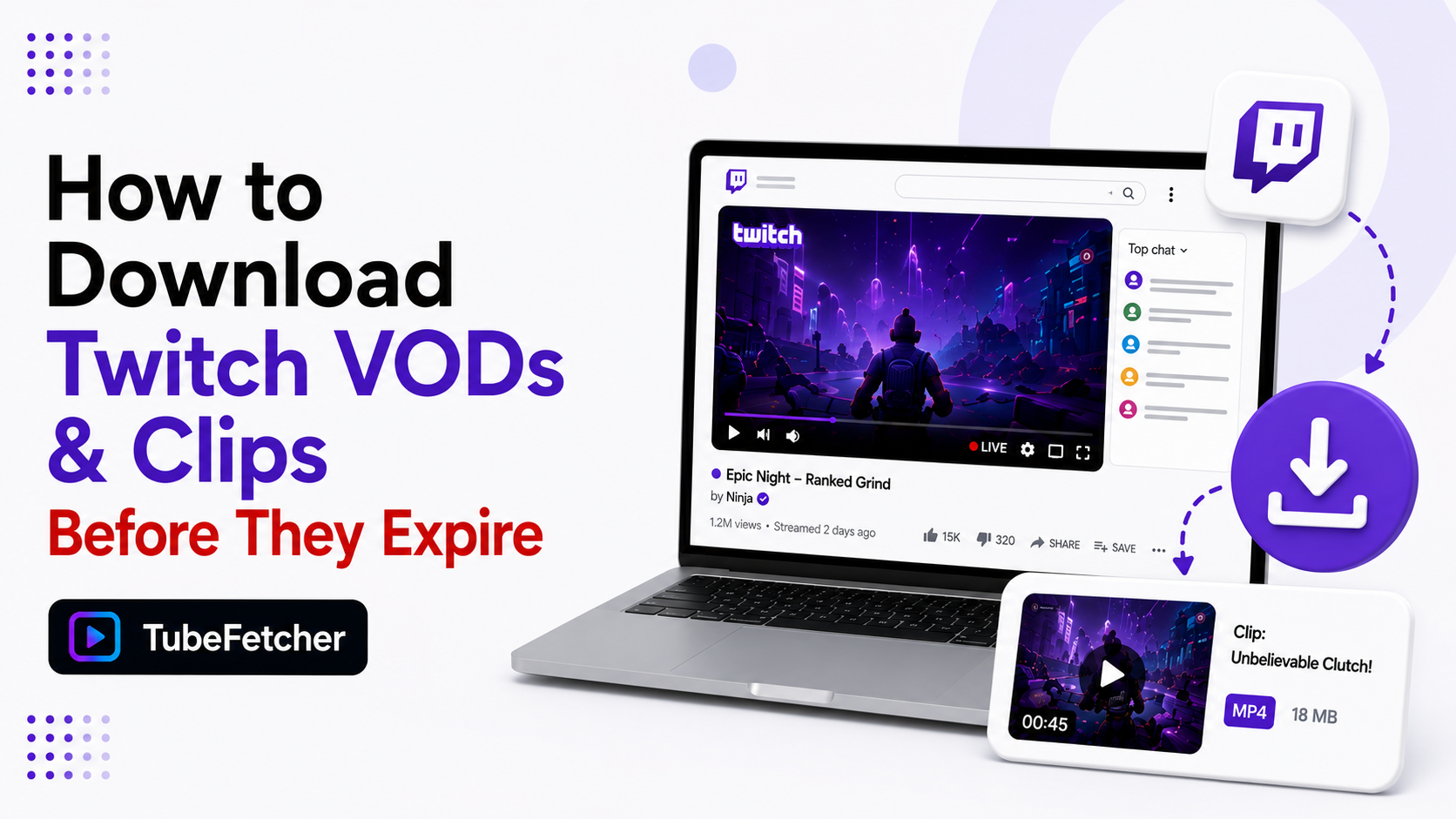
Twitch deletes VODs on a timer. Regular streamers keep past broadcasts for 7 days. Affiliates and Partners keep them for 60 days. After that, the VOD is gone from Twitch permanently. Clips stay longer but disappear when a channel gets deleted or banned. Downloading a VOD as an MP4 file is the only way to keep a stream past its expiry date. Our app saves Twitch VODs and clips on Mac, Windows, Linux, and Android through the same paste-and-download flow we built for YouTube. This guide covers the expiry rules, the download steps, and the storage math for long broadcasts.
Twitch VOD Expiry Rules: How Long Streams Last
Twitch stores past broadcasts for a fixed window. The window depends on the streamer’s account level.
| Account level | VOD storage time |
| Regular streamer | 7 days |
| Twitch Affiliate | 60 days |
| Twitch Partner | 60 days |
| Twitch Turbo subscriber | 60 days |
The countdown starts the moment a stream ends. A 7-day VOD from a small streamer you follow is often gone before the weekend. Highlights and clips follow different rules. Highlights stay indefinitely. Clips stay as long as the channel exists.
One more deletion trigger matters. DMCA music strikes remove VODs early. A stream with copyrighted music can vanish days before its normal expiry. The timer is the ceiling, not a guarantee.
How to Download a Twitch VOD with TubeFetcher
The workflow matches the one our users run on YouTube every day. Four steps:
- Open the Twitch VOD in your browser. The URL contains /videos/ followed by a number.
- Copy that URL from the address bar.
- Paste it into TubeFetcher. The app detects the VOD and lists the quality options.
- Pick MP4 and a resolution. Click download. The file saves to your device.
The saved MP4 plays in any video player. It survives the Twitch expiry timer, channel deletions, and DMCA takedowns. It transfers to any device you own. Our where downloads go guide shows the exact save path on each operating system.
Grab the app for your platform:
- Mac, Universal installer for Intel and Apple Silicon
- Windows, installer for Windows 10 and 11
- Linux, AppImage, no install needed
- Android, Universal APK for all devices
100,000+ people in 30+ countries run our app today. First run? Our how to use TubeFetcher guide covers setup in two minutes.
How to Download Twitch Clips in Three Steps
Clips are short segments cut from streams. They download faster than VODs because they run 5 to 60 seconds.
- Open the clip on Twitch. The URL contains /clip/ and the clip name.
- Copy the URL and paste it into our app.
- Download as MP4. The clip saves at source quality.
Clips carry the streamer’s branding inside the video frame. No watermark gets added by the download. What you see on Twitch is what lands in the file.
Twitch VOD File Sizes: Storage Math for Long Streams
Twitch streams run long. Storage planning matters more here than anywhere on YouTube.
| Stream length | 720p file size | 1080p file size |
| 2 hours | 1.5 GB | 3 GB |
| 4 hours | 3 GB | 6 GB |
| 8 hours | 6 GB | 12 GB |
| 12-hour marathon | 9 GB | 18 GB |
A 1080p marathon stream fills 18 GB. Ten of them fill a small laptop drive. Route big Twitch archives to external storage before the batch starts. Our external hard drive guide covers direct-to-drive saves. For source quality choices, our video quality guide explains when 720p is the smarter pick.
720p cuts every file in half. Gameplay footage holds up well at 720p. Downloading marathons at 720p doubles how many streams fit on the same drive.
Why Twitch Streams Disappear Early
Three triggers delete VODs before their expiry date.
- DMCA music strikes. Copyrighted songs in a stream trigger automated takedowns. The VOD or its muted sections vanish without notice.
- Channel bans. A banned channel loses every VOD and clip instantly. High-profile bans erase years of content in one day.
- Streamer deletion. Streamers clear their own past broadcasts. Some wipe VODs weekly to push viewers toward live attendance.
Each trigger has the same fix. Download while the VOD exists. A saved MP4 on your drive answers every deletion scenario. The same logic drives our YouTube live stream guide, where replays face similar takedown pressure.
Downloading Your Own Twitch VODs as a Streamer
Streamers have the strongest reason to download VODs. Twitch deletes your own broadcast history on the same timer it applies to everyone else.
Twitch offers a native export to YouTube. It works but locks your archive to another platform. Downloading your VODs as MP4 files keeps the master copies on your own storage. Local files feed highlight editing, TikTok cuts, and YouTube uploads without a platform in the middle.
The workflow runs the same four steps above, pointed at your own channel’s video list. Batch the backlog once through our batch download workflow, then grab each new VOD after each stream. A weekly five-minute habit builds a complete archive.
Permission and Fair Use for Twitch Downloads
Download content you have rights or permission to save. Your own VODs qualify. Streams from creators who approve archiving qualify. Clips you made from streams you participated in sit in reasonable territory for personal reference.
Re-uploading someone else’s VOD is a different act from saving a personal copy. The line runs between private archive and public redistribution. Our legality guide covers the personal-use position that applies across every platform our app supports, and our multi-platform overview lists all 19+ platforms the same rules cover.
Save the Stream Before the Timer Ends It
Twitch VODs run on a 7-to-60-day clock. Clips last only as long as the channel does. DMCA strikes and bans cut both short without warning. The fix takes one minute. Copy the VOD URL. Paste it into our app. Save the MP4. The stream you wanted to rewatch stays on your drive after Twitch lets it go.