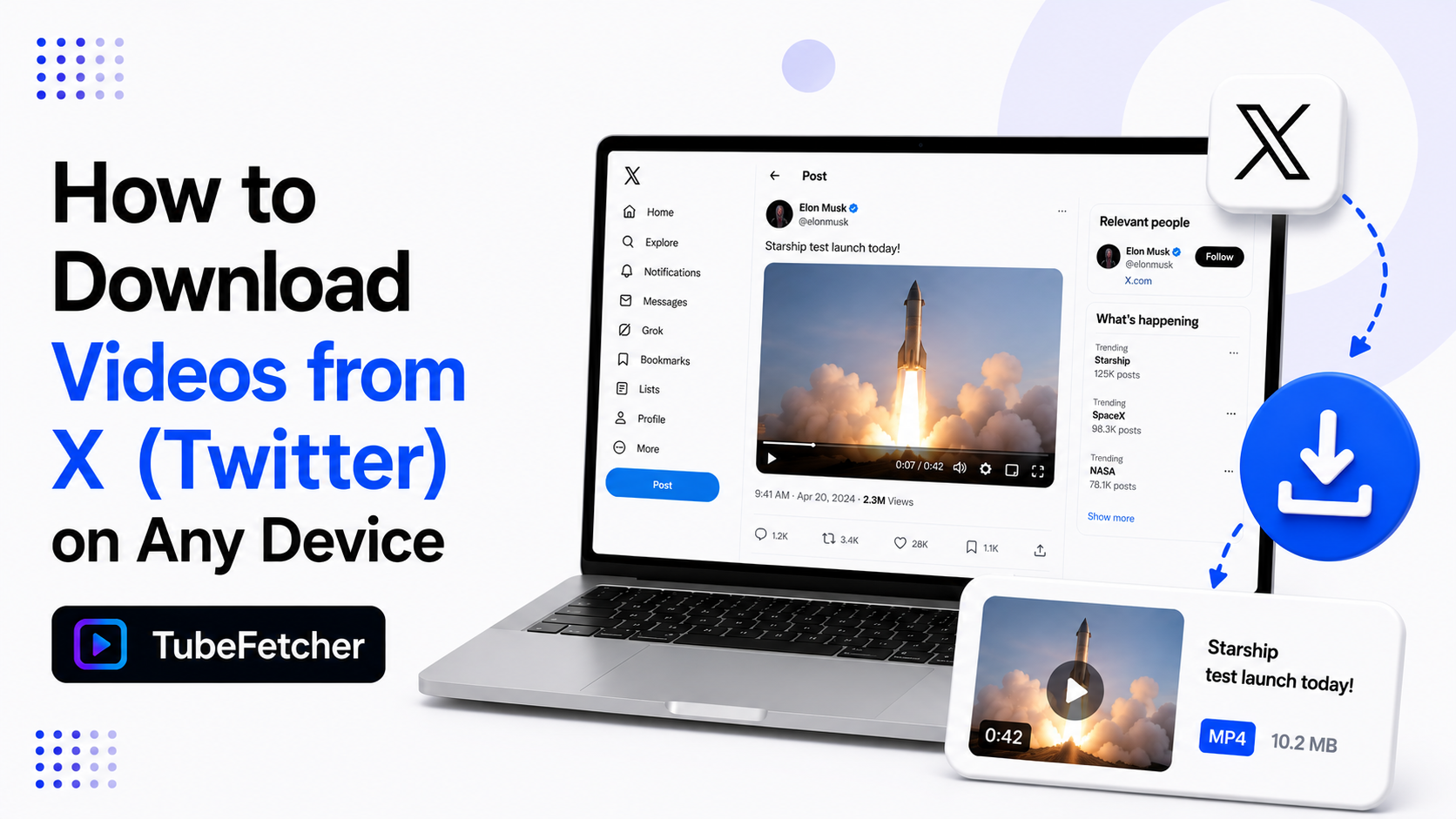
X gives you no way to save a video. The app has a bookmark button and a share button. Neither one puts a file on your device. A bookmarked video disappears the moment the poster deletes it or the account goes private. Downloading the MP4 is the only way to keep a video you want to rewatch. Our app saves X videos on Mac, Windows, Linux, and Android from a single pasted link. No account. No watermark. No ad maze. This guide covers the steps, the link formats that work, and the quality X actually serves.
Why X Has No Download Button for Videos
X treats every video as streaming content tied to the post. The platform sells attention, and a downloaded file leaves the platform. So the save option never shipped.
Bookmarks are the closest built-in feature. A bookmark stores a pointer, not a file. Deleted post, suspended account, or private toggle, and the bookmark points at nothing. Media on X vanishes fast. Viral clips get pulled by rights holders. Accounts get suspended mid-news-cycle. The post you meant to rewatch next week is often gone by then. A local MP4 is the only version you control.
How to Download an X Video in Four Steps
The workflow runs on the same paste-and-download flow our app uses everywhere.
- Open the post with the video. Tap Share, then Copy link. On desktop, copy the URL from the address bar.
- Paste the link into TubeFetcher.
- Pick MP4 and a resolution from the listed options.
- Download. The file saves to your device and plays in any video player.
The saved file carries no watermark. What played in the post is what lands on your drive. Our where downloads go guide shows the save location on each operating system.
Grab the app for your device:
- Mac, Universal installer for Intel and Apple Silicon
- Windows, installer for Windows 10 and 11
- Linux, AppImage, no install needed
- Android, Universal APK for all devices
100,000+ people in 30+ countries run our app today. Our how to use TubeFetcher guide covers first-run setup in two minutes.
Which X Links Work for Video Downloads
X links arrive in three shapes. All three resolve to the same post.
- x.com post URLs. The standard format with /status/ and a long number.
- twitter.com URLs. Old links still redirect and still work.
- t.co short links. Share-sheet links expand to the full post automatically.
Paste any of the three. One case needs a different link. A quote post wraps the original. If the video sits in the quoted post, open that original post and copy its URL instead.
X Video Quality: What Resolution to Expect
X compresses uploads hard. Most videos top out at 720p. High-follower accounts and premium subscribers upload at 1080p. Older posts often hold only 480p.
The app lists whatever the source holds. Pick the top option. X files run small at these caps. A one-minute clip at 720p runs about 10 MB. Storage never becomes the problem it is with long YouTube content. Compression is the ceiling here, not your settings. A blurry X video is blurry at the source. Our video quality guide explains the source-quality rule that applies on every platform.
Downloading X Videos on iPhone and Android
Android runs the whole flow on the device. Copy the share link from the X app. Paste it into TubeFetcher for Android. The MP4 lands in your gallery ready to play. Our SD card guide covers external storage routing for bigger libraries.
iPhone runs through your Mac or PC. Download on the computer first. Move the file across with AirDrop or iCloud Drive. Our iPhone and Mac sync guide covers the transfer routes, and the Camera Roll guide shows the final Save Video step.
Why Journalists and Researchers Archive X Videos
X moves fast and deletes faster. Three groups build X archives as a working habit.
- Journalists save source footage before posts vanish. A deleted post is a lost citation.
- Researchers archive event footage for documentation. Platform takedowns erase primary sources.
- Creators keep their own uploads as masters. An account lockout otherwise takes the catalog with it.
The archive habit is one minute per clip. Copy the link. Paste. Save. The file outlives the post. Our batch download workflow covers queueing multiple links in one session.
Saving X Videos the Permission-Based Way
Download content you have rights or permission to save. Your own posts qualify. Public-record material for documentation sits in reasonable territory. Creators who approve saving qualify.
Reposting someone else’s clip as your own is a different act from keeping a private copy. The archive-versus-redistribution line applies on X the same way it applies everywhere. Our legality guide covers the personal-use position, and our multi-platform overview lists all 19+ platforms the same standard covers.
Keep the Clip After the Post Is Gone
X offers no save button and no promise the post survives the week. The fix is one paste. Copy the link from the share sheet. Drop it into our app. Save the MP4. The video stays on your drive after the post, the account, or the whole news cycle disappears.