Facebook has a Save button that saves nothing to your device. It bookmarks the video inside Facebook. The post owner deletes the video and your saved copy dies with it. A real MP4 on your own storage is the only version you control. Our app downloads Facebook videos and Reels on Mac, Windows, Linux, and Android from one pasted link. No account login. No watermark. This guide covers the steps, the link shapes Facebook uses, the privacy rules that decide what downloads, and the Reels workflow.
Why Facebook’s Save Button Is Not a Download
The Save button files the post under Saved items in your account. The video stays on Facebook’s servers. Nothing lands on your device.
Three things kill a saved item. The poster deletes the video. The poster tightens the privacy setting. The account gets deactivated. Any one of them and your saved item points at nothing. An MP4 through our app removes all three risks. The file sits on your drive. Our where downloads go guide shows the save path per system.
How to Download a Facebook Video in Four Steps
The flow runs the same paste-and-download pattern our users know.
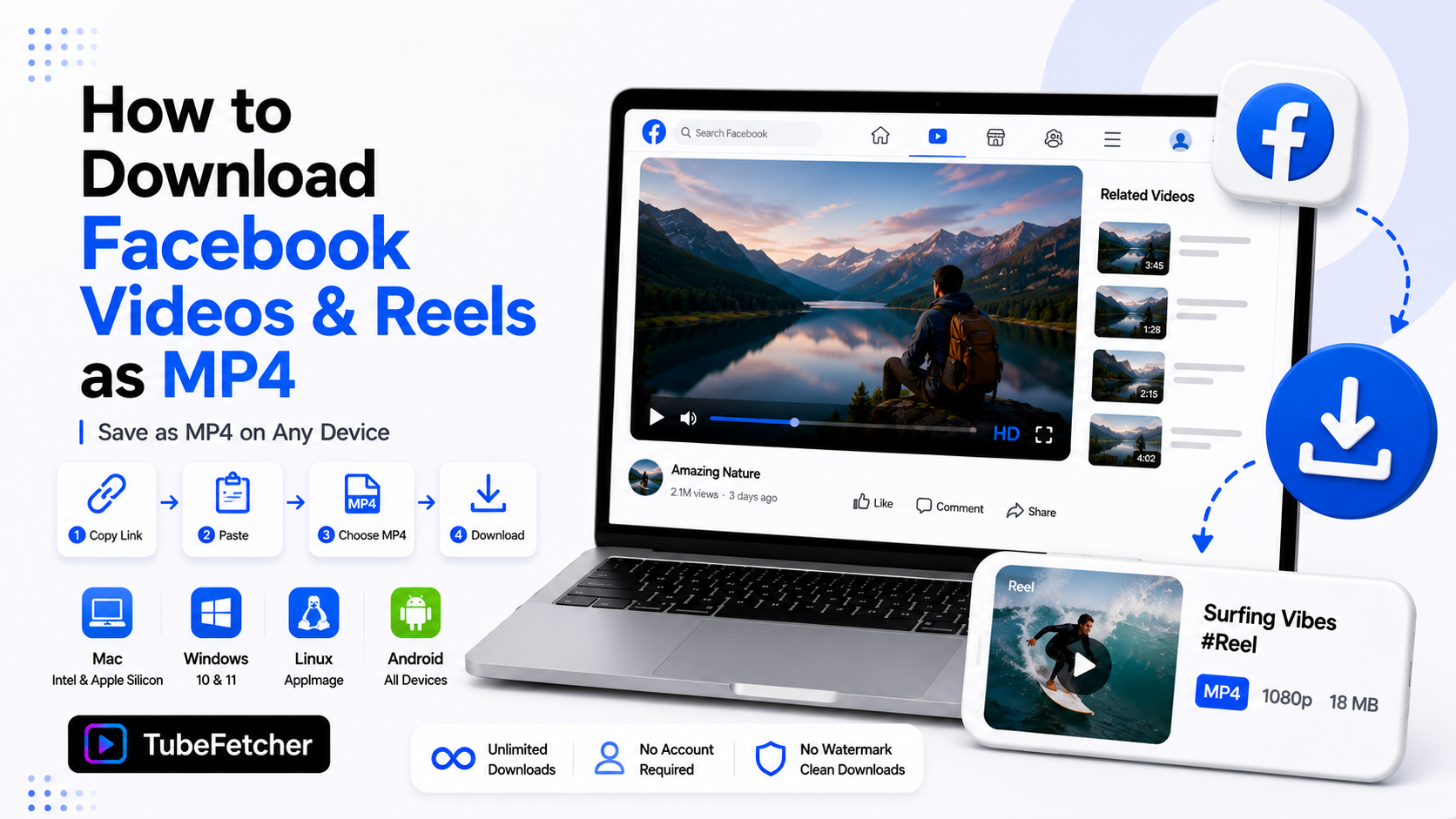
- Open the video on Facebook. Tap Share, then Copy link. On desktop, copy the URL from the address bar.
- Paste the link into TubeFetcher.
- Pick MP4 and a resolution.
- Download. The file saves to your device and plays anywhere.
Grab the app for your platform:
- Mac, Universal installer for Intel and Apple Silicon
- Windows, installer for Windows 10 and 11
- Linux, AppImage, no install needed
- Android, Universal APK for all devices
100,000+ people in 30+ countries run our app today. Our how to use TubeFetcher guide covers first-run setup in two minutes.
Which Facebook Links Work for Downloads
Facebook produces more link shapes than any platform we support. Four shapes matter.
- Watch URLs. The format with /watch/ and a video ID. The cleanest shape to paste.
- Post URLs. Links containing /videos/ inside a page or profile path.
- Share links. Short fb.watch links from the share sheet. They expand automatically.
- Reel URLs. Links containing /reel/ and a number.
Paste any of the four. One habit prevents most failures. Open the video in its own page first, then copy that URL. Feed links sometimes point at the scrolling feed instead of the video itself.
What Downloads and What Stays Private
Facebook’s privacy settings decide what any tool reaches. The rule is one line. Public videos download. Private ones stay private.
- Public page videos stream without login and download cleanly. Brand pages, creators, and news outlets fall here.
- Public profile posts work the same way when the post visibility is Public.
- Friends-only and group videos sit behind login walls. Our app works from public URLs and never asks for your Facebook password. Content locked to your login stays where it is.
That last line is deliberate. No legitimate tool asks for your Facebook credentials. Any site that wants your password to download a video is a phishing risk, not a downloader. Our safety page covers why we built the app credential-free.
How to Download Facebook Reels
Reels run the same flow with one extra step on mobile.
- Open the Reel and tap Share.
- Tap Copy link.
- Paste into TubeFetcher and download as MP4.
Reels save in their vertical 9:16 frame at source quality. No watermark gets stamped on the file. The clip drops into any editor for reposting your own content across platforms. The same vertical logic from our Shorts to gallery guide applies to Reels sizing and reuse.
Facebook Video Quality: What to Expect
Facebook compresses aggressively. Most feed videos top out at 720p. Pages with large followings serve 1080p. Reels hold 1080p vertical on recent uploads.
The app lists what the source holds. A one-minute Reel runs about 15 MB. A ten-minute page video at 720p runs about 90 MB. Storage stays trivial next to long-form platforms. Source quality is the ceiling here as everywhere. Our video quality guide covers the rule in full.
The Three Facebook Download Use Cases That Matter
- Your own uploads. Facebook is where years of family videos live. Account lockouts take them all at once. A local backup of your own posts is the strongest reason this workflow exists.
- Page owners archiving their catalog. Business pages accumulate video that only exists on Facebook. Local masters feed every future platform.
- Public material for reference. Tutorials, public event streams, and creator content saved with permission for offline use.
Downloading on Android runs fully on the device through our APK. iPhone routes through a computer first. Our iPhone and Mac sync guide carries the file the rest of the way.
Saving Facebook Videos the Permission-Based Way
Download content you have rights or permission to save. Your own uploads qualify first and strongest. Public content creators approve for saving qualifies. Material under open licenses qualifies.
Re-posting someone else’s video is a different act from keeping a private copy. The line holds on Facebook the way it holds everywhere. Our legality guide covers the personal-use position, and our multi-platform overview lists all 19+ platforms under the same standard.
Own the Copy, Not the Bookmark
Facebook’s Save button rents you a pointer. The post owner controls whether it keeps working. One paste into our app turns the video into a file you own. Copy the link. Download the MP4. Your family videos, your page catalog, and the public clips you rely on stay on your drive no matter what happens to the post.