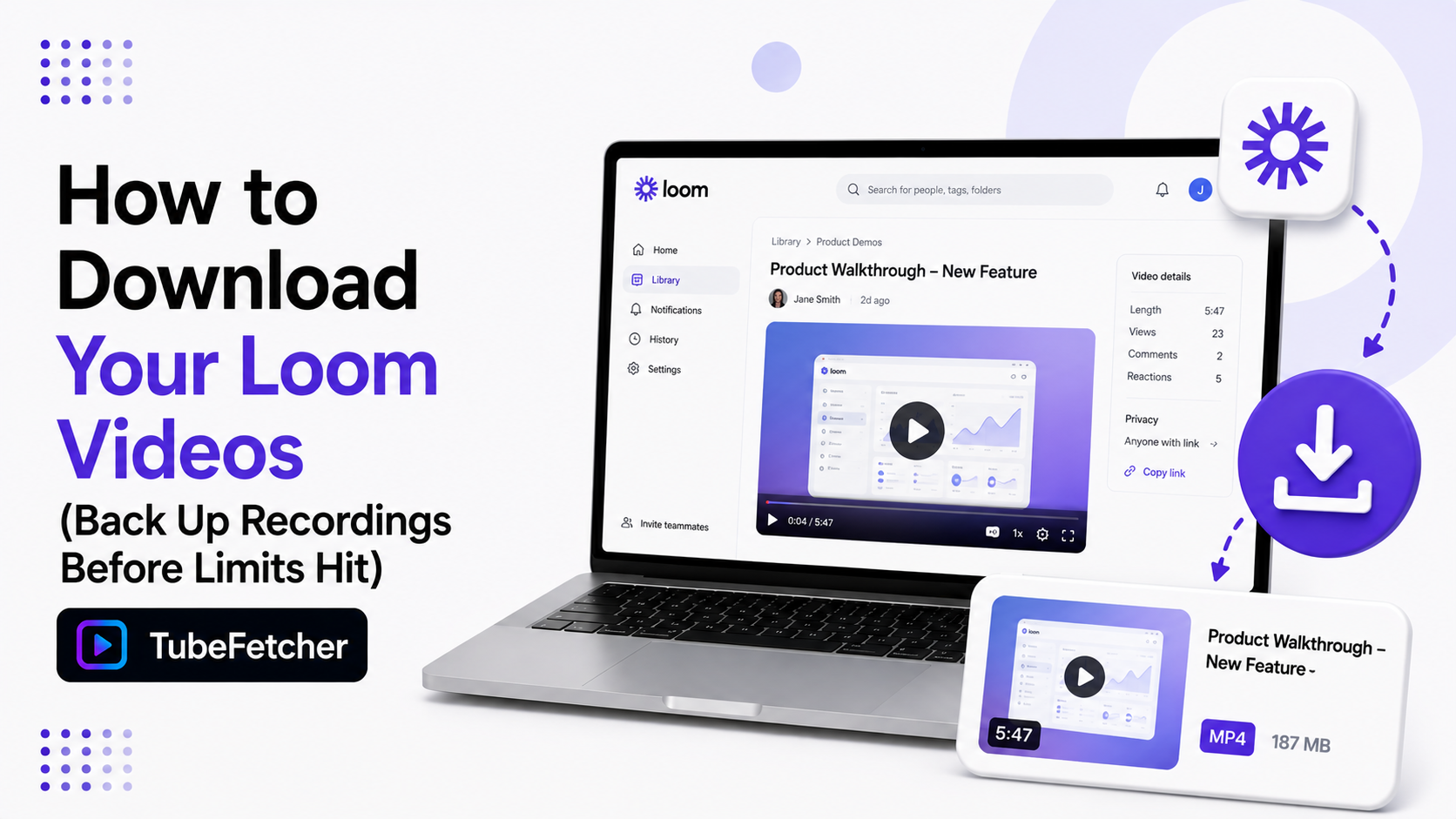
Loom’s free plan holds 25 videos per person. Recording number 26 pushes your workspace to the limit, and older videos stop being safely yours. Recordings past the cap sit locked or get trimmed depending on your plan history. A downloaded MP4 removes the risk entirely. The file lives on your drive, plays anywhere, and survives plan changes, workspace transfers, and account closures. Our app downloads Loom videos on Mac, Windows, Linux, and Android from a pasted share link. This guide covers the free-plan limits, the download steps, and the backup habit that keeps your recording library yours.
Loom Free Plan Limits: What Happens at 25 Videos
Loom’s Starter plan caps every member at 25 videos. The cap counts all recordings in your library. Three things follow when you hit it.
- New recordings stop. The record button locks until you delete old videos or upgrade.
- The pressure lands on your archive. Freeing space means deleting recordings. Every deletion is a walkthrough, demo, or meeting gone.
- Downgrades trap content. Dropping from a paid plan back to Starter leaves your over-cap videos in limbo. Viewable but stuck.
Five-minute recording limits apply on top of the video cap. The two limits together push free users toward constant deletion. A local backup breaks that cycle. Download first. Delete inside Loom freely afterward.
How to Download a Loom Video in Four Steps
Loom’s own download button exists but sits inside each video’s settings and covers your own recordings on eligible plans. Our app runs the same job from a share link and works across your whole library.
- Open the Loom video and copy the share link. The URL contains loom.com/share and the video ID.
- Paste the link into TubeFetcher.
- Pick MP4 and a resolution.
- Download. The recording saves to your device.
The saved MP4 plays in any video player and drops into any editor. Our where downloads go guide shows the save path on each system.
Grab the app for your platform:
- Mac, Universal installer for Intel and Apple Silicon
- Windows, installer for Windows 10 and 11
- Linux, AppImage, no install needed
- Android, Universal APK for all devices
100,000+ people in 30+ countries run our app today. Our how to use TubeFetcher guide covers first-run setup in two minutes.
Which Loom Links Download and Which Stay Private
Loom links carry their own privacy settings. The rule matches every platform we support. Accessible streams download. Locked ones stay locked.
- Public share links open for anyone with the URL. These download cleanly.
- Password-protected links need the password entered in your browser first. Play the video once, then copy the URL.
- Workspace-restricted videos open only for logged-in team members. Your own browser session covers your own team’s videos.
The playback test applies here as everywhere. A Loom that plays in your browser downloads through our app. A Loom that refuses to play has an access wall no tool crosses. We never ask for your Loom password. The app works from links and your existing browser session only.
The Backup Habit for Loom Power Users
Loom fills up fast for anyone recording regularly. Support teams, tutors, product managers, and remote leads hit 25 videos in weeks. The backup habit takes minutes per month.
- Once a month, open your Loom library.
- Copy the share links of that month’s keepers.
- Paste the batch into our app and queue the set. Our batch workflow covers multi-link queues.
- Delete freely inside Loom once the MP4s land on your drive.
The workspace stays under the cap. The archive stays complete. A 10-minute Loom at 1080p runs about 250 MB. A year of weekly recordings fits on a small external drive. Our external drive guide covers routing backups off your system disk.
Why Downloaded Looms Beat Cloud-Only Recordings
Work recordings carry a different weight than entertainment. Four scenarios make the local copy the safe copy.
- Job changes. Leaving a company often means losing the workspace. Your walkthroughs and demos stay behind unless downloaded first.
- Client handoffs. Agencies deliver recorded walkthroughs as files. An MP4 attachment outlives any share-link expiry.
- Editing and repurposing. Local files drop into CapCut or Premiere for cuts, captions, and course material. Cloud links do not.
- Plan uncertainty. SaaS limits change. The 25-video cap replaced a more generous free tier. The file on your drive ignores the next pricing page.
The pattern repeats across our platform guides. The Twitch guide covers deletion timers. The X guide covers vanishing posts. Loom adds plan caps to the list. The local file answers all of them.
Saving Loom Videos the Permission-Based Way
Download recordings you have rights or permission to save. Your own Looms qualify first and strongest. Team recordings your workspace shares with you qualify for work purposes. Client-delivered walkthroughs qualify for the client.
Someone else’s private recording is not yours to keep. The line is the same one that runs through our legality guide and across all 19+ platforms we support.
Back Up First, Delete Freely After
Loom’s 25-video cap turns every new recording into a deletion decision. The backup habit removes the pressure. Copy the share links. Paste them into our app. Save the MP4s to your drive. Your walkthroughs, demos, and meetings stay yours after the cap, the downgrade, or the job change. Record freely. Delete freely. The archive on your drive holds everything.