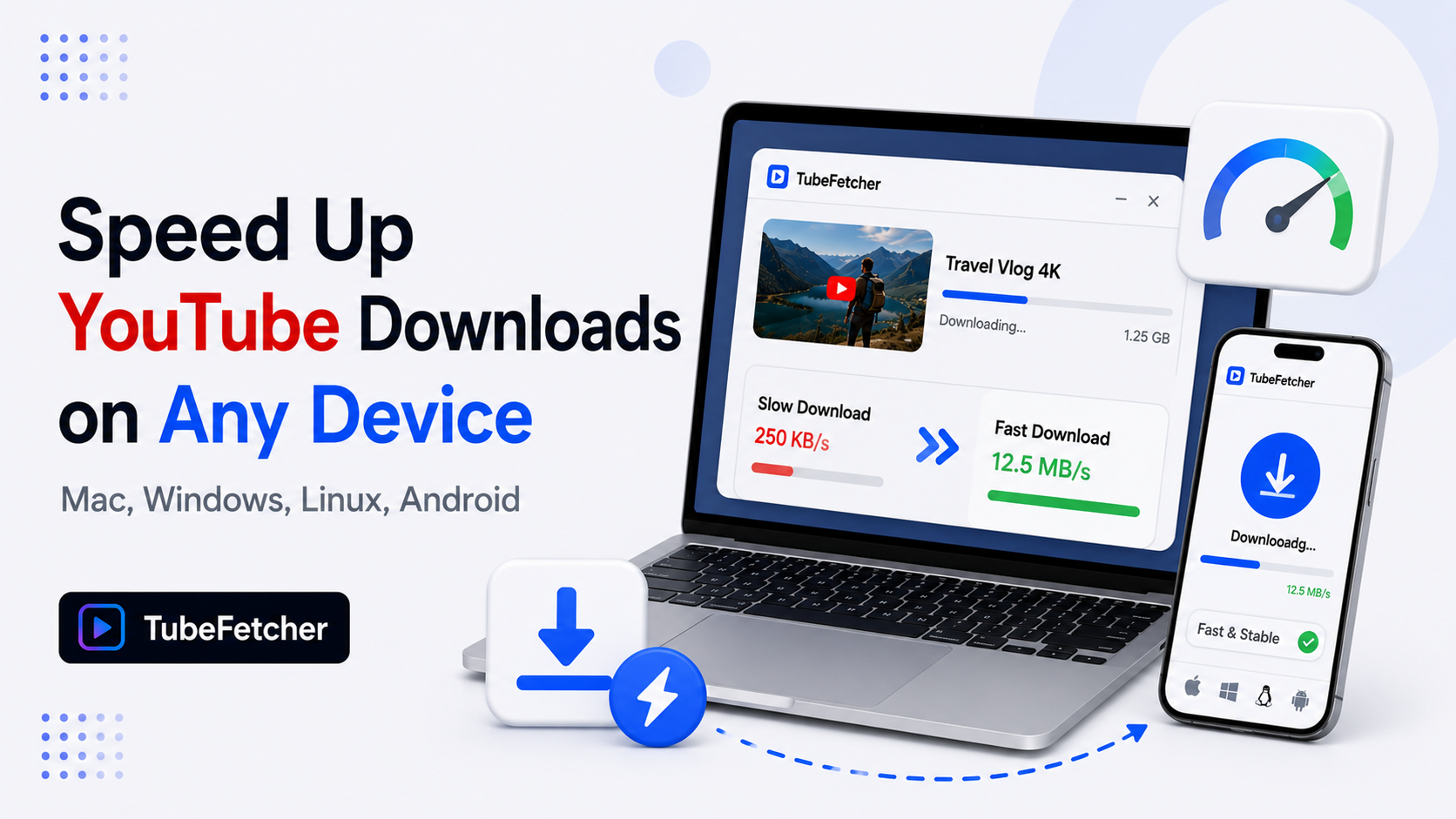
Slow YouTube downloads trace to four causes: tool architecture (Electron and browser-based tools run slower than native apps), YouTube server-side throttling (older tools trigger speed caps around 50 to 80 KiB/s), resolution mismatch (downloading 4K when the connection suits 1080p), and local network conditions (WiFi congestion, VPN overhead, ISP traffic shaping).
Each cause has a specific fix. Native desktop downloaders avoid the throttling that affects outdated tools, and connection-level settings recover speed lost to network configuration. This guide covers the diagnosis steps and the fix for each cause across Mac, Windows, Linux, and Android.
Why YouTube downloads run slow
Download speed depends on three layers working together: the tool pulling the stream, the connection carrying the data, and YouTube’s servers releasing it. A bottleneck at any layer caps the total speed regardless of how fast the other two layers run.
Three structural facts define the download speed landscape:
- YouTube throttles unrecognized download patterns. Tools using outdated extraction methods trigger server-side speed caps. The throttled rate sits around 50 to 80 KiB/s, which turns a 10-minute download into a 3-hour wait.
- Tool architecture affects processing speed. Native applications process streams faster than Electron-based apps and browser extensions, which add JavaScript overhead to every operation.
- Resolution multiplies data volume. A 4K download moves 4x the data of 1080p. On a 20 Mbps connection, the same video takes 4x longer at 4K.
Diagnosis starts with identifying which layer causes the slowdown. The sections below cover each layer with the specific fix.
Fix 1: Switch to a native downloader that avoids throttling
YouTube’s server-side throttling targets download patterns from outdated tools. The most common victim is youtube-dl, the older open-source project still present in many Linux distribution repositories, which downloads at throttled speeds around 50 KiB/s on most videos.
Actively maintained tools avoid the throttle through updated stream extraction. TubeFetcher’s native architecture processes YouTube streams at full connection speed across Mac, Windows, Linux, and Android.
The four-step workflow:
- Copy the YouTube video URL from any browser.
- Open TubeFetcher on your operating system.
- Paste the link and select MP4 with the target resolution.
- Click download. The stream pulls at full available connection speed.
Download TubeFetcher for the operating system running the downloads:
- Mac, Universal binary, Intel and Apple Silicon
- Windows, .exe installer
- Linux, AppImage, no install required
- Android, Universal APK for all devices
Native architecture skips the JavaScript overhead that Electron-based downloaders carry. The processing difference shows most on lower-powered hardware: older laptops, budget Android devices, and single-board Linux machines. 100,000+ users in 30+ countries run TubeFetcher today. For first-run setup on any operating system, the TubeFetcher how-to guide covers installation across all four builds.
Fix 2: Match resolution to actual need
Resolution selection multiplies download time. The data volume table below shows the relationship for a 10-minute YouTube video.
| Resolution | File size (10-min video) | Download time at 20 Mbps | Download time at 100 Mbps |
| 480p | 50 MB | 20 seconds | 4 seconds |
| 720p | 125 MB | 50 seconds | 10 seconds |
| 1080p | 260 MB | 105 seconds | 21 seconds |
| 4K | 1 GB | 7 minutes | 84 seconds |
A user downloading twenty 4K videos on a 20 Mbps connection waits over two hours. The same twenty videos at 1080p complete in 35 minutes. When the playback screen is a phone or laptop, the 4K data provides no visible benefit over 1080p.
The YouTube video quality download guide covers the resolution-to-screen matching in detail. For speed purposes, the rule compresses to one line: download at the resolution the playback screen displays, not the maximum available.
Fix 3: Resolve local network bottlenecks
Local network conditions cap download speed below the connection’s rated capacity. Four common local bottlenecks affect YouTube downloads specifically.
The four local fixes:
- Switch from WiFi to ethernet on desktop. WiFi congestion in dense housing cuts real throughput 30 to 70% below rated speed. Ethernet delivers full connection speed to Mac, Windows, and Linux desktops.
- Pause VPN during large downloads. VPN encryption adds overhead and routes traffic through servers that may sit far from YouTube’s CDN nodes. Downloads without VPN run 20 to 50% faster on most connections.
- Schedule large downloads off-peak. ISP traffic shaping slows video-related traffic during evening peak hours in some regions. Downloads between midnight and 8 AM avoid the shaping window.
- Close streaming apps during downloads. Active Netflix, YouTube playback, or game downloads compete for the same bandwidth. Sequential rather than parallel usage delivers full speed to each task.
On Android, the equivalent fixes: prefer WiFi over mobile data for large downloads, disable battery optimization for the downloader app (Android throttles background network for optimized apps), and clear at least 10% free storage (Android slows write operations near storage capacity).
Fix 4: Queue downloads instead of parallel downloading
Parallel downloads split connection bandwidth across simultaneous streams. Five videos downloading in parallel each receive one-fifth of the available speed, and the total completion time matches sequential downloading while adding connection overhead.
Sequential queue processing completes the first video at full speed, making it available for playback while later videos continue. For users building offline libraries, the queue approach delivers usable files sooner.
TubeFetcher processes download queues sequentially by default, which delivers each completed file at the earliest possible time. Users adding multiple URLs build the queue once and let the app work through it at full per-file speed.
Diagnosing which fix applies
The symptom pattern identifies the bottleneck layer.
| Symptom | Likely cause | Fix |
| All downloads slow, all tools | Local network or ISP | Fix 3 |
| Downloads slow in one tool, fast in another | Tool architecture or throttling | Fix 1 |
| 4K slow, 1080p acceptable | Resolution data volume | Fix 2 |
| Multiple downloads all crawling | Parallel bandwidth splitting | Fix 4 |
| Speed drops at specific hours | ISP traffic shaping | Fix 3 (off-peak scheduling) |
Testing with a single 1080p download through a currently maintained tool isolates the variable. If that download runs at full speed, the original slowdown traces to resolution, parallelism, or the previous tool. If it still crawls, the bottleneck sits at the network layer.
Speed expectations by connection type
Realistic download speed expectations prevent misdiagnosing normal behavior as a problem.
| Connection type | Rated speed | Realistic 1080p download (10-min video) |
| DSL | 10 Mbps | 3.5 minutes |
| Cable broadband | 100 Mbps | 21 seconds |
| Fiber | 500 Mbps | 5 seconds |
| 4G mobile | 20 Mbps | 105 seconds |
| 5G mobile | 100 Mbps | 21 seconds |
| Public WiFi | 5 to 20 Mbps | 2 to 8 minutes |
A 10-minute 1080p video completing in 30 seconds on cable broadband represents normal behavior. The same download taking 20 minutes signals a bottleneck worth diagnosing through the table above.
Full-speed downloads come from fixing the right layer
Slow YouTube downloads resolve through layer-by-layer diagnosis: tool first, resolution second, network third, queue behavior fourth. The most common cause across user reports is outdated tool architecture triggering YouTube’s server-side throttling, which the switch to an actively maintained native downloader resolves immediately. The remaining causes trace to resolution mismatch and local network conditions, each with the specific fix covered above. Matching the fix to the actual bottleneck restores downloads to full connection speed on every operating system.
Related YouTube download guides
For deep dives on YouTube download performance and troubleshooting:
- YouTube Video Quality Download Guide, resolution selection and storage math
- YouTube Download Button Not Working, fixing browser-level download failures
- Where Do Downloaded Videos Go on Mac, Windows, Linux, and Android, locating completed downloads