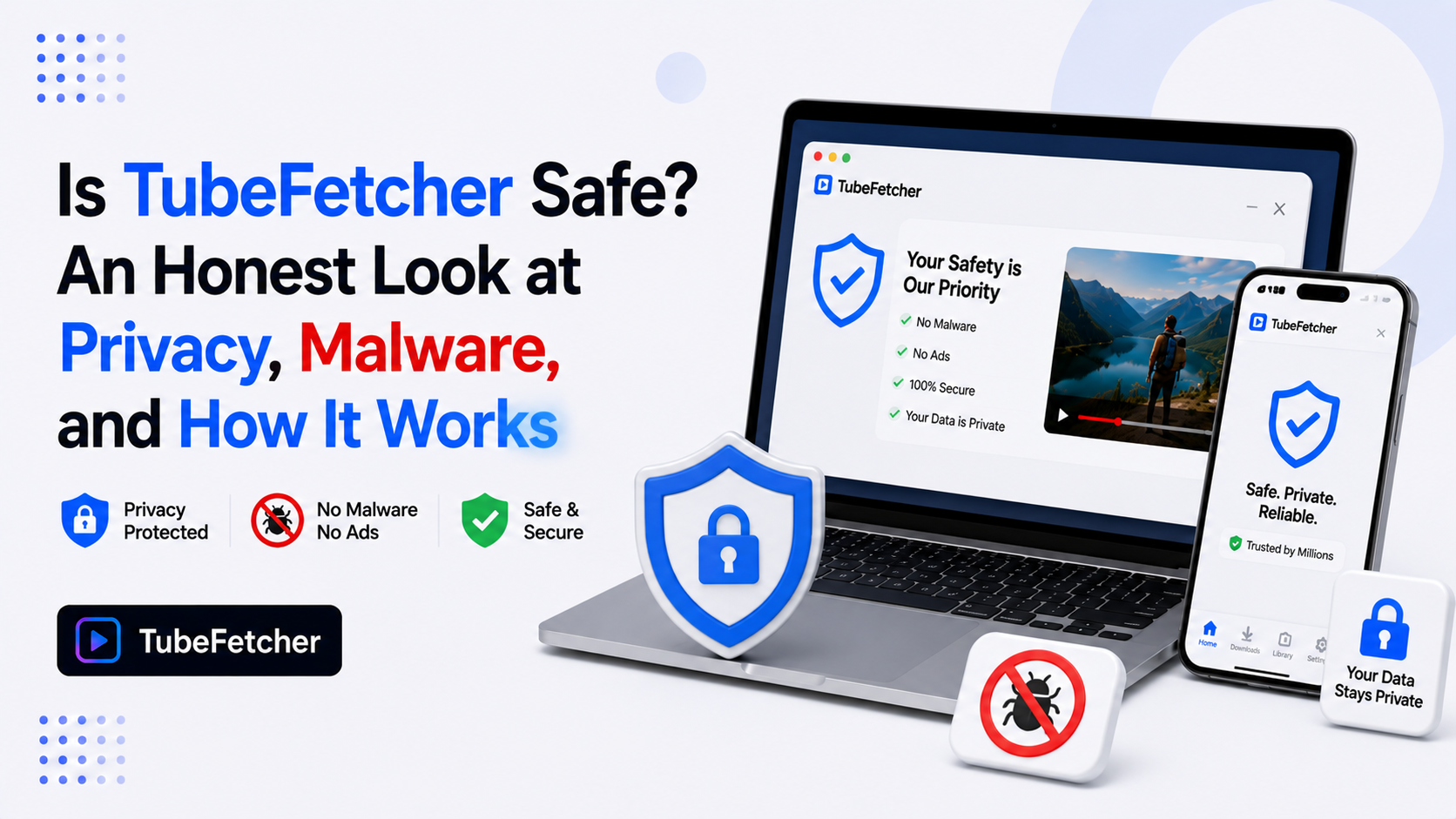
TubeFetcher is safe to install and use. Our app runs locally on your device, requires no account, collects no personal data, shows no ads, and downloads files directly to your local storage without routing them through our servers or anyone else’s. Third-party trust scanners rate new domains cautiously by default, and we address those scores directly below, explain why antivirus tools sometimes flag downloader apps as a category, and document exactly how we handle your data at every step.
How TubeFetcher Handles Your Data and Privacy
We process every download entirely on your device. The app takes a video URL, retrieves the media stream, and writes the file to your local disk. No step in that flow touches our servers with your content.
Five architecture decisions define our privacy model:
- No account exists. We never ask for an email, name, or login. There is no user database because there are no users to store.
- No tracking runs. We ship no analytics SDK, no advertising ID collection, and no behavioral tracking. Your downloads leave no record anywhere but your own machine.
- No ads display. The interface carries zero advertising, no ad network integration, and no third-party scripts.
- Files save locally. Every download writes directly to your chosen folder. Our guide to where downloaded videos go covers the exact paths per operating system.
- The URL you paste stays on your device. Web-based converters log every URL pasted into them on their servers. We process URLs locally, so your download history exists only on your own machine.
This architecture is the core difference between our desktop app and the web converter sites that dominate this category. Web tools route your requests through their servers. We never see yours.
Why Trust-Score Sites Show a Caution Rating for TubeFetcher
Automated trust scanners rate websites through heuristic signals: domain registration age, traffic volume, SSL configuration, and hosting patterns. A recently registered domain scores lower on these systems regardless of what the software actually does.
Our domain registration is recent compared to decade-old competitors. Automated scanners read that single signal and apply a caution label. The score reflects domain age, not a malware finding, not a user complaint record, and not a code analysis.
Three facts put automated trust scores in context:
- Heuristic scanners analyze the domain, not the software. No automated trust score involves installing or testing our app.
- Established scam patterns are absent. No phishing reports, no payment fraud complaints, and no malware detections exist against TubeFetcher across security databases.
- 100,000+ people in 30+ countries run our app today. Real install volume across Mac, Windows, Linux, and Android provides the usage evidence that domain-age heuristics ignore.
Want to verify independently? Scan our installer with VirusTotal before running it. The clean result comes from the file itself, not from a domain heuristic.
Why Antivirus Software Flags YouTube Downloaders (False Positives Explained)
Antivirus software occasionally flags video downloader apps as potentially unwanted programs. The flag pattern affects the entire category, including open-source tools with fully public code.
Three mechanisms drive downloader false positives:
- Generic heuristics match download behavior. Apps that retrieve media streams and write large files trigger pattern-based detection built for spotting unknown software.
- Low install-base reputation scoring. Windows SmartScreen and similar systems rate software by install volume. Newer apps score lower until enough installs accumulate, which produces warning screens unrelated to actual risk.
- Category-wide reputation damage from bad actors. Ad-heavy web converters and bundled-adware downloaders trained antivirus vendors to treat the whole category cautiously. Clean apps inherit suspicion that bad tools earned.
Our antivirus blocking solutions guide covers the specific steps for allowing a verified downloader through Windows Defender, Bitdefender, and other tools.
TubeFetcher vs Web Converter Sites: The Safety Comparison
The safety gap between a desktop app and web converters is structural, not cosmetic. Web converter sites carry four risks that our local app removes entirely.
| Risk | Web converter sites | TubeFetcher |
| Pop-up ads and fake download buttons | Common | None |
| URL logging on external servers | Every request | No server contact |
| Redirect chains to third-party sites | Frequent | None |
| Bundled software in downloads | Occasional | None |
Ad density on converter sites is the single largest malware vector in this category. Fake download buttons route users to installer pages carrying unwanted software. A local app with no ads removes that entire attack surface. Our safety guide for YouTube downloaders covers the category-wide risks, and our downloader myths post clears up the misconceptions that persist around these tools.
How to Verify the TubeFetcher Installer Before You Run It
Verification takes five minutes and requires no technical background. Four steps confirm the installer is clean:
- Download only from our official downloads page. Third-party download portals sometimes repackage installers with bundled software we did not put there.
- Upload the installer file to VirusTotal, which scans it against 70+ antivirus engines and shows the result before you run anything.
- Check the file size against our official listing. Repackaged installers typically run larger than the original.
- Install and watch the behavior. Our genuine app asks for no account, shows no ads, and requests no permissions beyond file storage access.
Our how to use TubeFetcher guide walks through the first run on each operating system after installation.
Is Downloading YouTube Videos Safe and Legal to Do?
Software safety and download legality are separate questions. Our app is safe to run. What you download with it depends on the content. Personal, permission-based use covers your own uploads, Creative Commons material, and content the creator approves for saving. Our legality guide covers the full position on copyright, YouTube’s terms, and the personal-use boundary.
Two safety habits apply to every downloader, including ours:
- Never enter your Google, YouTube, or platform passwords into any third-party downloader. Legitimate tools work from public URLs, never from your credentials.
- Never paste private or sensitive video links into web-based converter sites. Those URLs pass through external servers and can be logged.
We require neither passwords nor server-side processing. That design choice removes both risks at the root.
Is TubeFetcher Safe? The Verdict
TubeFetcher is a locally running desktop and mobile app with no account requirement, no ads, no tracking, and no server-side processing of your downloads. Automated trust scores reflecting domain age are heuristic labels, not malware findings. Antivirus flags on downloader apps trace to category-wide false-positive patterns that hit clean and open-source tools alike. Verification through VirusTotal and our official download source settles the question in five minutes. 100,000+ people across 30+ countries run our app on four operating systems today, and the local-only architecture removes the ad-driven attack surface that makes web converter sites the genuinely risky corner of this category.