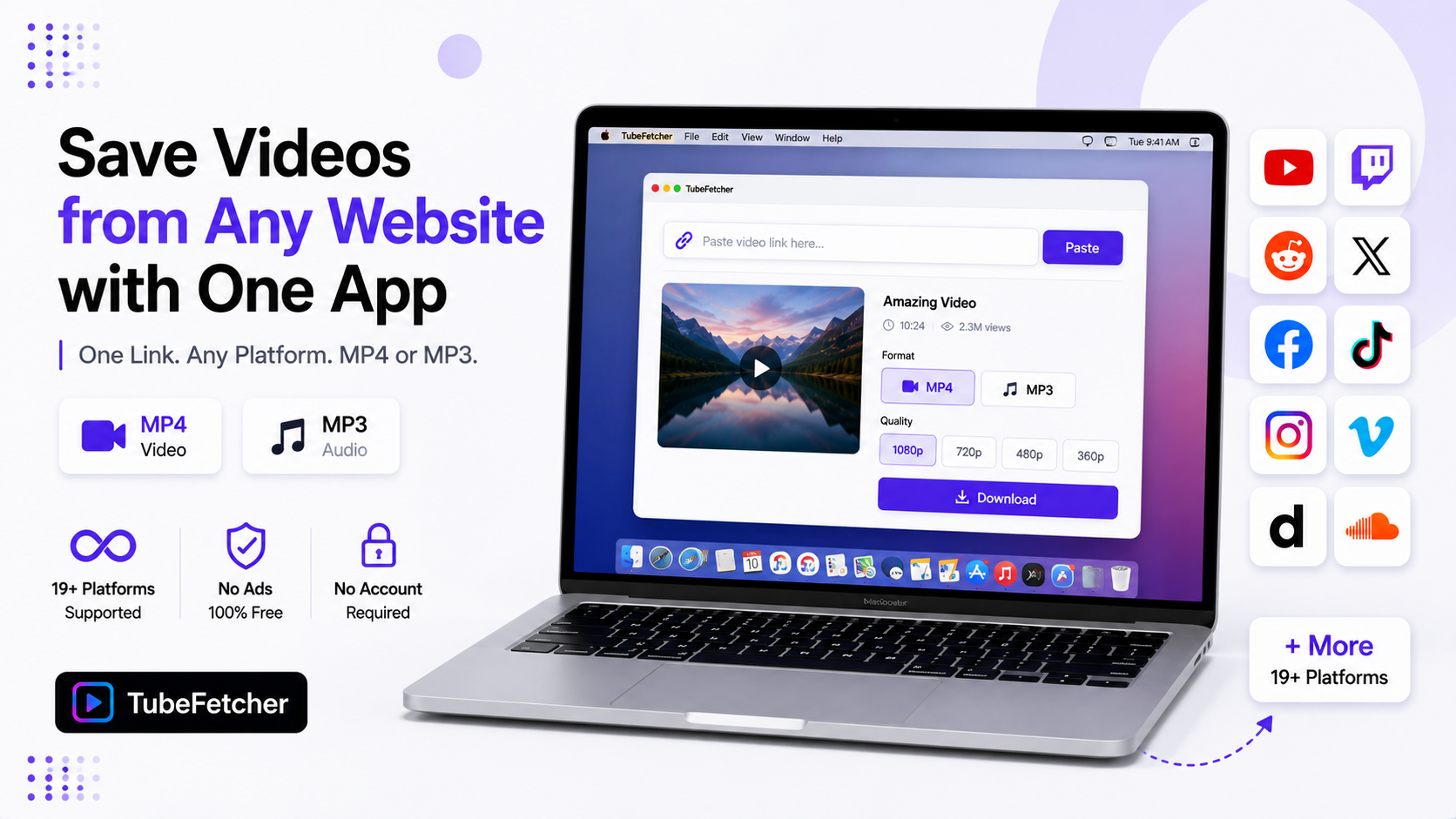
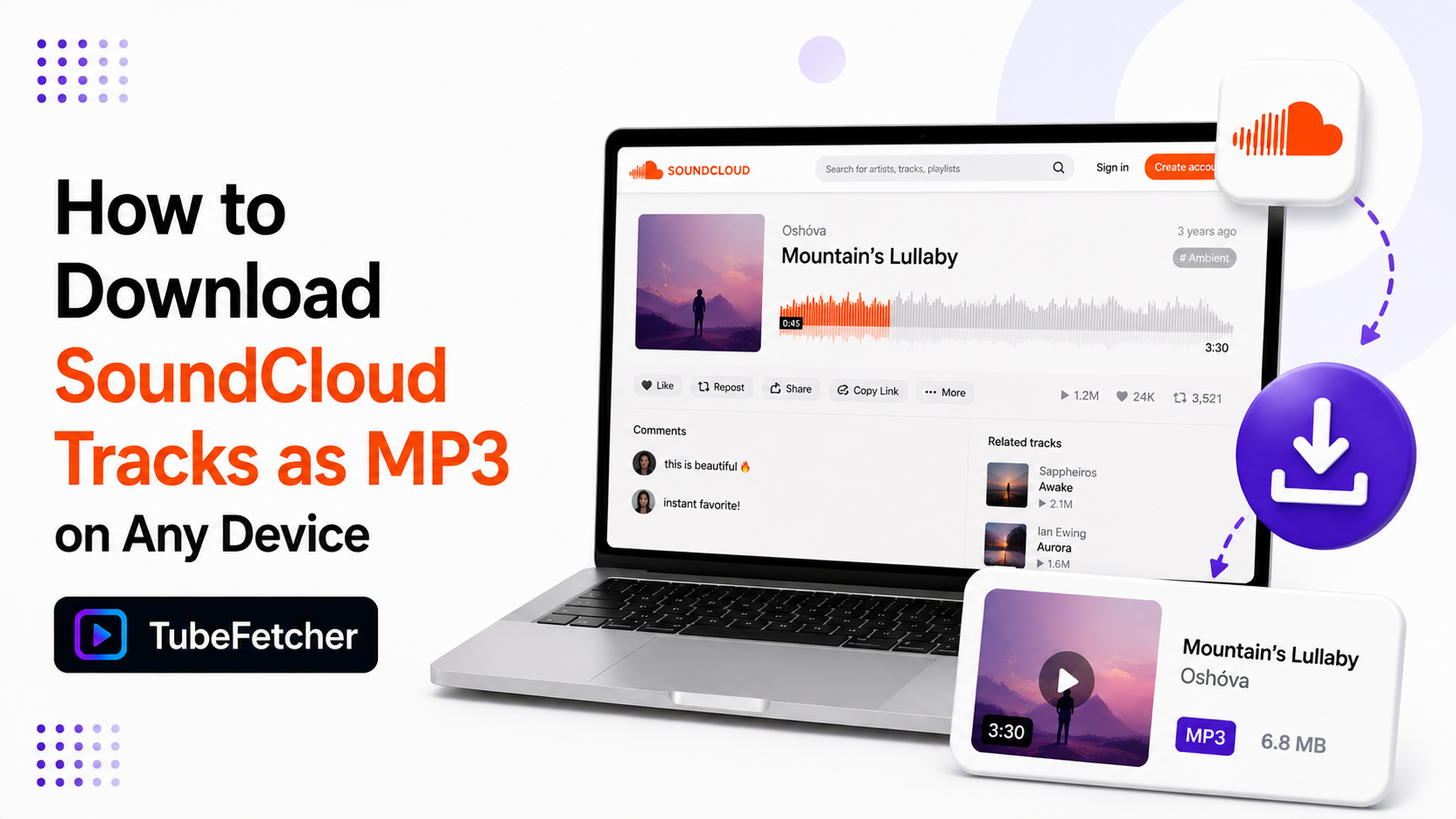
SoundCloud puts most offline listening behind its Go+ subscription. The free tier streams only. Some artists enable a download button on their tracks, but most do not, and Go+ saves live inside the SoundCloud app until the subscription ends. An MP3 on your own drive is the only copy that plays anywhere and answers to nobody’s billing cycle. Our app saves SoundCloud tracks as MP3 on Mac, Windows, Linux, and Android from one pasted link. This guide covers the steps, the playlist workflow, the quality SoundCloud actually serves, and the artist-download button worth checking first.
Check the Artist’s Download Button First
Some SoundCloud artists enable free downloads on their own tracks. The button sits under the waveform behind the three-dot More menu. Independent producers use it to spread demos and DJ edits.
Check it before anything else. An artist-enabled download is the artist handing you the file directly. It arrives in whatever format the artist uploaded, sometimes full WAV quality. When the button exists, use it. When it does not, the workflow below covers the rest.
How to Download a SoundCloud Track as MP3
The flow runs the same paste-and-download pattern our users know from every platform.
- Open the track on SoundCloud. Copy the URL from the address bar, or tap Share and Copy link in the app.
- Paste the link into TubeFetcher.
- Pick MP3 as the output format.
- Download. The track saves to your device and plays in any music player.
The saved MP3 drops into any library. The Music app on Mac. Any Android player. Our YouTube music to iPhone guide covers the Apple Music import route that works for SoundCloud MP3s the same way.
Grab the app for your platform:
- Mac, Universal installer for Intel and Apple Silicon
- Windows, installer for Windows 10 and 11
- Linux, AppImage, no install needed
- Android, Universal APK for all devices
100,000+ people in 30+ countries run our app today. Our how to use TubeFetcher guide covers first-run setup in two minutes.
How to Download a Full SoundCloud Playlist or Set
SoundCloud organizes music into playlists and albums. One playlist URL queues the whole set.
- Open the playlist or album page and copy its URL.
- Paste it into TubeFetcher. The app expands it into every track.
- Pick MP3 once. The format applies to the full queue.
- Start the download. Tracks save in playlist order.
DJ sets and mixtapes run long. A two-hour set saves as one MP3 around 170 MB. Full playlists of separate tracks queue through the same flow our batch workflow uses everywhere. For playlist-heavy libraries, our playlist to MP3 guide covers the tagging and ordering habits that keep large collections sorted.
SoundCloud Audio Quality: What the MP3 Actually Holds
SoundCloud streams to free listeners at 64 kbps Opus. Go+ unlocks 256 kbps AAC on eligible tracks. Artist-enabled downloads deliver the original upload, sometimes WAV.
Downloads capture what the stream serves. A track streamed at standard quality saves at that quality. No tool turns a compressed stream back into the master. Two habits get the best files. Use the artist’s download button when it exists.
It carries the original upload. For everything else, the saved MP3 matches what your ears already heard on the platform. Our audio quality guide explains the bitrate logic that applies across every audio source.
Why SoundCloud Libraries Disappear
SoundCloud content vanishes faster than any major music platform. Three patterns drive it.
- Copyright sweeps. Remixes, edits, and DJ sets live in gray territory. Takedown waves clear thousands of tracks at once.
- Artist cleanups. Producers delete old demos when signing deals. The early catalog you loved goes private overnight.
- Account churn. Free accounts lapse. Uploads above the free storage cap disappear with them.
The pattern matches every platform guide we have written. The Twitch guide covers deletion timers. The Loom guide covers plan caps. SoundCloud adds copyright churn to the list. The MP3 on your drive outlives all of it.
SoundCloud Downloads on iPhone and Android
Android runs the whole flow on the device. Copy the share link from the SoundCloud app. Paste it into TubeFetcher for Android. The MP3 lands in your storage ready for any player. Our SD card guide covers routing music libraries to external storage.
iPhone routes through your computer. Download on Mac or PC, then sync through the Music app with a cable or move files through iCloud. Our iPhone and Mac sync guide covers both routes step by step.
Saving SoundCloud Tracks the Permission-Based Way
Download music you have rights or permission to save. Your own uploads qualify first. Artist-enabled downloads qualify by definition. Creative Commons tracks qualify. SoundCloud hosts one of the largest Creative Commons music catalogs anywhere, and the license filter in search surfaces it.
Keeping a private copy of a track you love is a different act from redistributing it. Support the producers whose work fills your library. Buy the Bandcamp release when one exists. Our legality guide covers the personal-use position across all 19+ platforms we support.
Your Music Library Should Not Expire
SoundCloud rents you a stream. Go+ rents you offline saves that expire with the subscription. The MP3 on your drive is the only version you own. Check the artist’s download button first. For everything else, copy the link, paste it into our app, and save the file. The demos, sets, and edits that define your library stay yours after the takedown wave, the artist cleanup, or the subscription lapse.