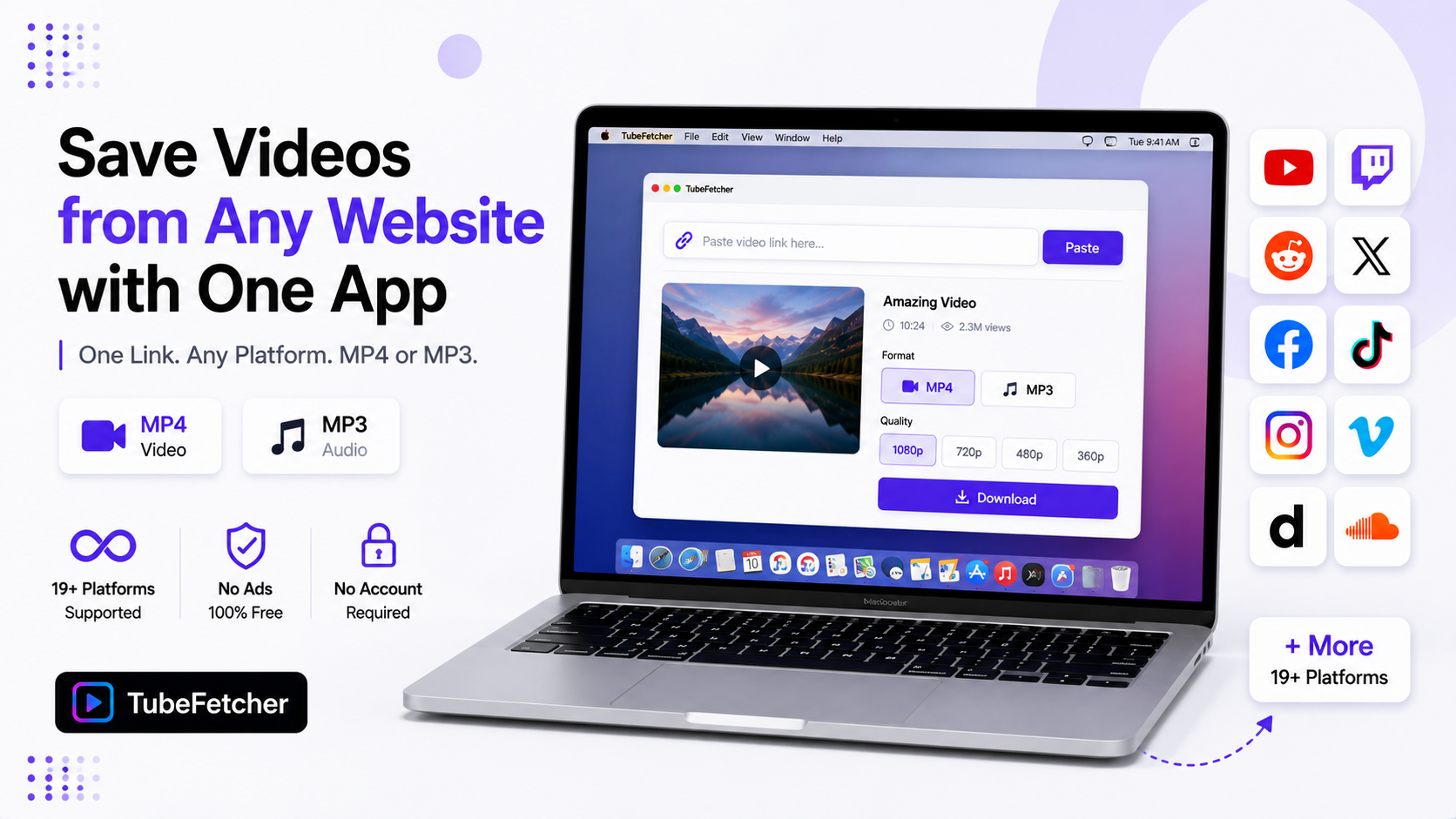
Saving videos from different websites used to mean a different tool for each one. A YouTube site here. A Reddit grabber there. A Twitter bot somewhere else. Each with its own ads, its own limits, and its own way of breaking. Our app replaces the whole pile with one flow. Paste a link from any of 19+ supported platforms. Pick MP4 or MP3. Download. The same three steps work on YouTube, Twitch, Reddit, X, Facebook, TikTok, Instagram, Vimeo, Dailymotion, SoundCloud, and more. This guide covers how one app handles every site, which platforms work today, and why the single-tool approach beats a bookmark folder of grabber sites.
One Flow for Every Platform We Support
The workflow never changes across sites. Three steps cover everything.
- Copy the video link from any supported platform. The share button or the address bar both work.
- Paste the link into TubeFetcher. The app detects the platform automatically.
- Pick your format and download. MP4 for video. MP3 for audio.
No per-site settings. No figuring out which grabber still works this month. The app reads the URL, matches the platform, and lists the quality options the source holds. Our how to use TubeFetcher guide covers the two-minute setup.
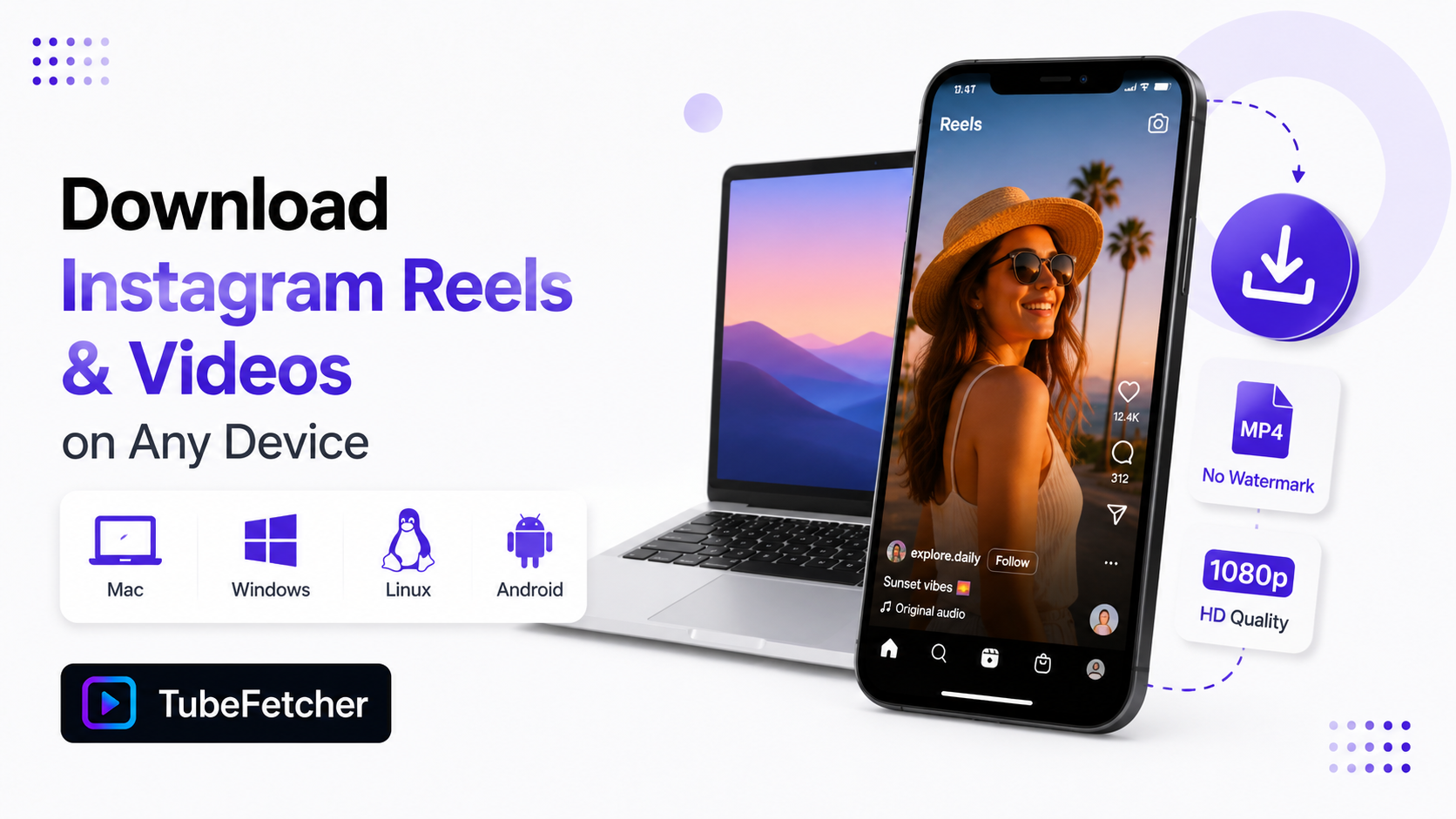
Grab the app for your device:
- Mac, Universal installer for Intel and Apple Silicon
- Windows, installer for Windows 10 and 11
- Linux, AppImage, no install needed
- Android, Universal APK for all devices
100,000+ people in 30+ countries run our app today.
The 19+ Platforms One App Covers
The supported list spans four content categories.
| Category | Platforms |
| Video | YouTube, Vimeo, Dailymotion, Twitch, Streamable, Loom, Odysee, and more |
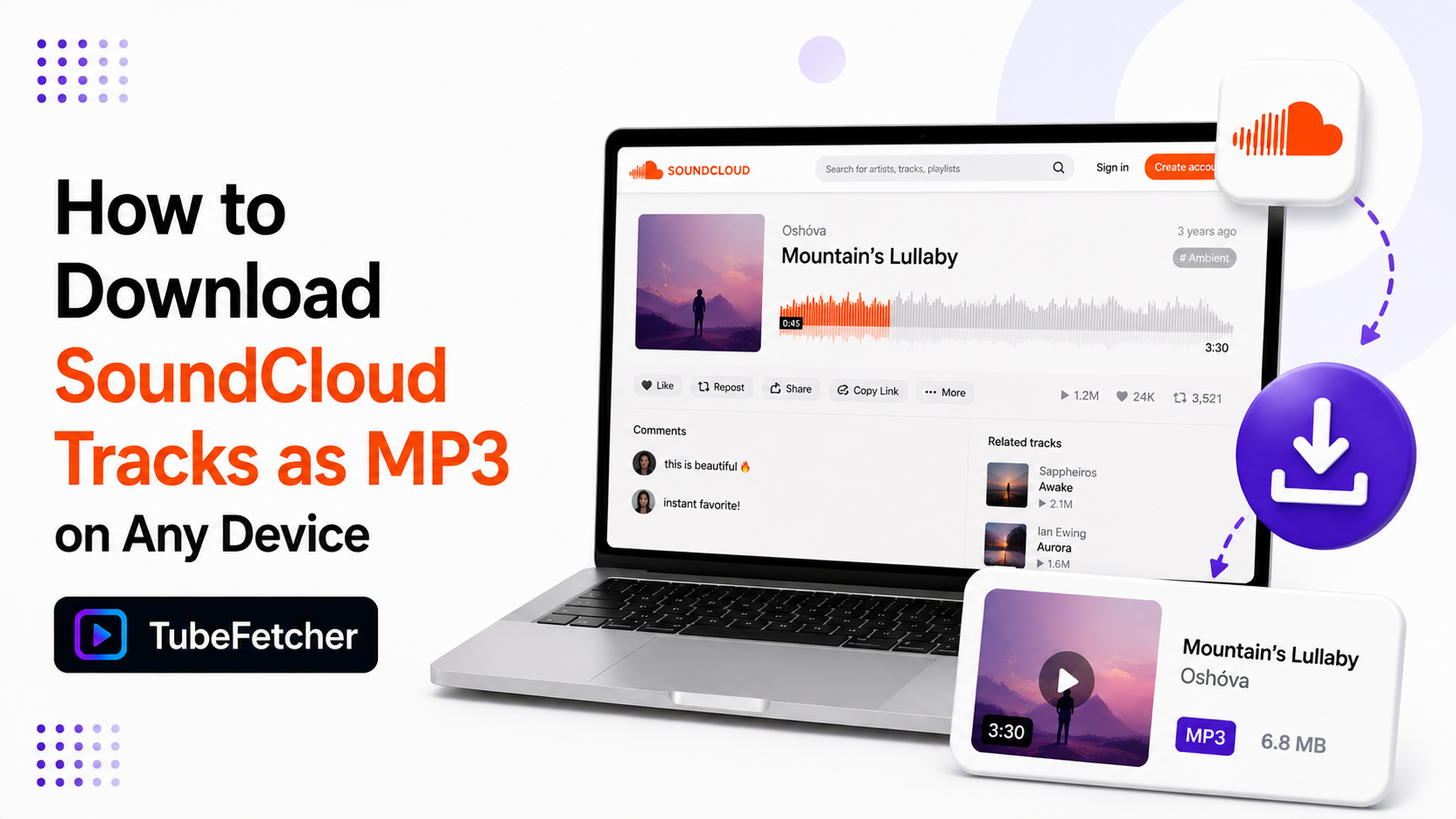
| Music | SoundCloud, Bandcamp |
| Social | TikTok, Instagram, X, Facebook, Reddit |
| Long-form | Full playlists and channels on supported sites |
Each major platform has its own deep-dive guide on our blog. The Twitch VOD guide covers the expiry timers. The Reddit guide explains the silent-video fix. The X guide covers the missing save button. The Facebook guide handles Reels and privacy rules. The Dailymotion guide covers geo-restrictions. Our multi-platform overview lists the complete lineup.
Why One App Beats a Folder of Grabber Sites
The grabber-site routine has four costs the single-app approach removes.
- Ad mazes. Web grabbers monetize through pop-ups and fake download buttons. Every visit runs the gauntlet. Our app shows zero ads.
- Per-site breakage. Platforms update their players and grabber sites die weekly. One maintained app absorbs those changes in updates.
- URL logging. Every link you paste into a web grabber lands on someone’s server. Our app processes links on your device. Our safety page documents the architecture.
- No batch support. Web grabbers take one link at a time. Our batch workflow queues a whole list in one session.
The pattern is one tool, learned once, working everywhere. The same muscle memory covers a YouTube playlist on Monday and a Twitch VOD on Friday.
The Same Rules Apply on Every Site
Platform behavior differs. The core rules do not. Three rules carry across every site we support.
Source quality is the ceiling. No download exceeds what the uploader provided. A 720p TikTok stays 720p. Our video quality guide covers the resolution logic once for all platforms.
Public content downloads. Private content stays private. The app works from public URLs and your own browser sessions. It never asks for passwords on any platform.
The playback test settles failures. A video that streams in your browser downloads through the app. A video that refuses to play has a source-level block no tool bypasses.
Where the Files Land on Every Device
Downloads save to your standard folder on each system. Mac and Linux use Downloads. Windows uses the user Downloads folder. Android saves to the public Download folder where Gallery finds it. Our where downloads go guide maps every path.
From there the files move anywhere. Our iPhone and Mac sync guide covers the Apple transfer routes. The SD card guide covers Android external storage. One library, every source, any device.
Saving Videos the Permission-Based Way
Download content you have rights or permission to save. Your own uploads across every platform qualify first. Creative Commons material qualifies. Content creators approve for offline use qualifies.
The private-copy line holds everywhere. Keeping a file for yourself is a different act from re-uploading it. Our legality guide covers the personal-use position that applies across the full platform list.
One App, One Paste, Every Site
The bookmark folder of grabber sites solved a problem badly. One maintained app solves it once. Copy a link from any of the 19+ platforms we support. Paste it. Download the MP4 or MP3. The flow you learn on YouTube works on Twitch, Reddit, X, Facebook, and everywhere else the app reaches. One tool. Every site. Your files.