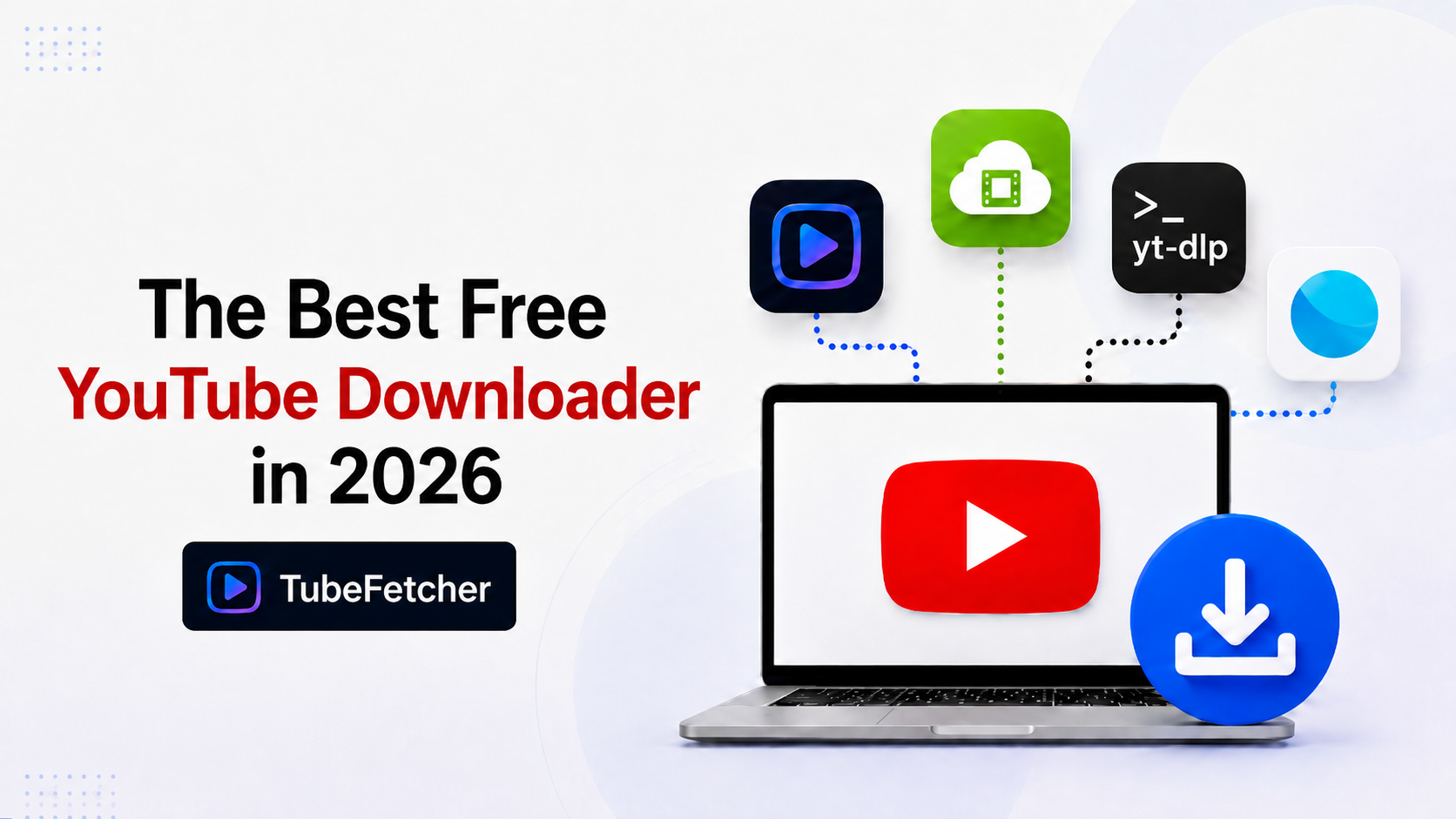
Four free YouTube downloaders dominate the 2026 category: TubeFetcher, 4K Video Downloader, yt-dlp, and ClipGrab. Each tool handles YouTube downloads through different architecture. TubeFetcher and 4K Video Downloader use native desktop apps, yt-dlp runs through Terminal, ClipGrab uses an open-source Qt interface. The four tools split cleanly on five evaluation criteria: cost, operating system support, account requirements, download caps, and ad density.
This comparison covers each tool across those criteria, names the use case each one fits best, and identifies the trade-offs that competitor lists skip. Download only content you have rights or permission to save, for the full position, see our guide on whether downloading videos is legal.
What makes a YouTube downloader “best” depends on the user
The “best” free YouTube downloader in 2026 changes based on five evaluation criteria: cross-OS support, account requirements, daily download caps, advertising density, and source-quality preservation. A Mac user editing video content prioritizes different criteria than a Windows user archiving a playlist or a Linux user automating batch downloads.
The four tools split across these criteria as follows:
- Cross-OS coverage: TubeFetcher and yt-dlp run on Mac, Windows, Linux. ClipGrab covers the same three. 4K Video Downloader Plus also covers Mac, Windows, Linux but skips Android.
- Account requirements: TubeFetcher, yt-dlp, and ClipGrab require no account. 4K Video Downloader Plus requires sign-in for some features above the free tier.
- Daily download caps: TubeFetcher and yt-dlp impose no caps. 4K Video Downloader Plus caps free downloads at 30 per day. ClipGrab applies no caps but ships with optional bundled software on Windows.
- Ad density: TubeFetcher, yt-dlp, ClipGrab carry no ads. 4K Video Downloader Plus shows in-app upgrade prompts.
- Source-quality preservation: All four preserve source quality up to source resolution. Output formats vary.
TubeFetcher: cross-platform, no-cap, no-account YouTube downloader
TubeFetcher downloads YouTube videos and MP3 audio across Mac, Windows, Linux, and Android through a single Universal interface. The app supports 19+ platforms beyond YouTube including Vimeo, TikTok, Instagram, and SoundCloud through the same paste-and-download flow.
The four-step download workflow:
- Copy the YouTube video URL from any browser.
- Open TubeFetcher and paste the link.
- Select MP4 video or MP3 audio with preferred resolution.
- Click download. The file saves locally to the device.
Download TubeFetcher for each operating system:
- Mac — Universal binary, Intel and Apple Silicon
- Windows — .exe installer
- Linux — AppImage, no install required
- Android — Universal APK
100,000+ users in 30+ countries run TubeFetcher today. For first-run setup on any operating system, the TubeFetcher how-to guide covers installation across all four builds.
Where TubeFetcher fits best
TubeFetcher fits users prioritizing cross-OS consistency, no account friction, and multi-platform support beyond YouTube. The same interface and feature set runs across Mac, Windows, Linux, and Android — no separate tool for each device. The combination of no-cap, no-account, and no-ad architecture makes TubeFetcher the recommended free YouTube downloader for users managing downloads across multiple devices.
4K Video Downloader Plus: the mature freemium option
4K Video Downloader Plus replaced the original 4K Video Downloader in February 2026. The Plus version runs on Mac, Windows, and Linux with a refined interface and improved 8K support. The original product was discontinued and migrated to the Plus codebase.
Key facts about the Plus version:
- The free tier caps downloads at 30 per day across all formats
- Subscription removes the cap and unlocks playlist downloads beyond a 5-video preview limit
- 8K support arrived with version 26.0 in January 2026
- The app runs natively on Apple Silicon Macs after the late-2025 rewrite
Where 4K Video Downloader Plus fits best
4K Video Downloader Plus fits users running fewer than 30 daily downloads who want a polished desktop interface and accept the freemium upgrade prompt model. The tool ranks well in the YouTube SERP and carries significant brand recognition from the original product’s decade of use.
yt-dlp: the open-source command-line standard
yt-dlp is the most powerful free YouTube downloader available in 2026. The tool is a fork of youtube-dl, maintained as an active open-source project that updates almost daily to track YouTube’s API changes.
Core yt-dlp characteristics:
- Free, open-source, no ads, no cap, no account requirement
- Supports YouTube, Vimeo, TikTok, Instagram, SoundCloud, and 1,800+ other sites
- Handles every download case: playlists, channels, age-restricted content, subtitles, audio extraction, format selection
- Runs through Terminal on Mac, Windows, and Linux
Basic yt-dlp install on Mac:
brew install yt-dlp ffmpeg
Download a single YouTube video:
yt-dlp “VIDEO_URL”
Where yt-dlp fits best
yt-dlp fits Terminal-comfortable users prioritizing maximum control, scripting capability, and bleeding-edge YouTube compatibility. The tool outperforms every GUI option on power, but the command-line interface excludes users who prefer paste-and-click workflows. For automation, batch processing, or channel archival, no GUI matches yt-dlp’s capability.
ClipGrab: the open-source GUI alternative
ClipGrab is a free, open-source YouTube downloader under GPL v3 license. The tool runs on Mac, Windows, and Linux with a Qt-based interface. ClipGrab includes built-in YouTube search alongside URL paste-and-download.
Core ClipGrab characteristics:
- Free and open-source, no daily download cap
- Built-in YouTube search field for finding videos without leaving the app
- Format conversion to MP3, MPEG4, OGG Theora, and WMV
- Automatic clipboard monitoring for copied YouTube URLs
- Windows installer historically bundled an optional adware module (alternate installer available)
Where ClipGrab fits best
ClipGrab fits open-source-first users on Linux and Mac who want a GUI alternative to yt-dlp. The built-in search field removes the browser-tab dependency that other tools require. The Windows installer’s optional bundled software has reduced ClipGrab’s trust score for Windows users specifically.
Direct comparison across five evaluation criteria
The table compares the four tools across the criteria that decide which YouTube downloader fits each user type. Source-quality preservation applies to all four — the differentiation sits in cross-OS coverage, account requirements, cap structure, and ad density.
| Criterion | TubeFetcher | 4K Video Downloader Plus | yt-dlp | ClipGrab |
| Mac support | Yes (Universal) | Yes | Yes (Terminal) | Yes |
| Windows support | Yes | Yes | Yes (Terminal) | Yes |
| Linux support | Yes (AppImage) | Yes | Yes (Terminal) | Yes |
| Android support | Yes (APK) | No | No | No |
| Daily cap | None | 30/day on free tier | None | None |
| Account required | No | Optional (free tier) | No | No |
| Ads or upgrade prompts | None | Upgrade prompts | None | Bundled software on Windows |
| Beyond-YouTube platforms | 19+ | YouTube + some others | 1,800+ | ~10 |
| Interface | GUI, paste-and-click | GUI, paste-and-click | Terminal | GUI with search |
Which free YouTube downloader fits which user
The four tools serve different user types based on workflow preference and technical comfort.
For users wanting one app across all devices
TubeFetcher covers Mac, Windows, Linux, and Android with the same interface. No other tool in this comparison covers Android. Users running mixed-device workflows (Mac for work, Android for offline mobile viewing) consolidate downloads through one app.
For users wanting unlimited Terminal-based control
yt-dlp delivers maximum power through Terminal commands. Daily caps do not exist, scripting works natively, and the tool tracks YouTube’s API changes faster than any GUI option.
For users wanting under-30 daily downloads with brand familiarity
4K Video Downloader Plus suits users running occasional YouTube downloads who recognize the brand from the original product. The 30-per-day cap fits casual users, and the polished interface lowers the learning curve.
For Linux users wanting an open-source GUI
ClipGrab provides a Qt-native GUI option for Linux users who want graphical workflow without ad density. The built-in YouTube search removes browser dependency for content discovery.
The verdict on the best free YouTube downloader in 2026
The best free YouTube downloader in 2026 depends on operating system mix and workflow preference. TubeFetcher leads on cross-OS coverage (Mac, Windows, Linux, Android), no-cap architecture, and no-account requirement, which fits users managing downloads across multiple devices. yt-dlp leads on raw power and platform coverage (1,800+ sites) for command-line users. 4K Video Downloader Plus leads on brand maturity for users accepting the freemium cap. ClipGrab leads on open-source GUI for Linux users avoiding ad density.
Match the tool to the workflow rather than the marketing — the four tools serve different users honestly.
Related YouTube download guides
For deep-dives on specific YouTube download workflows beyond this comparison:
- How to Download YouTube Videos on Mac Without YouTube Premium — the Mac hub covering Premium alternatives
- How to Download YouTube Videos on Linux (No Terminal Required) — GUI options across distros
- TubeFetcher Now Supports 19+ Platforms — the multi-platform overview