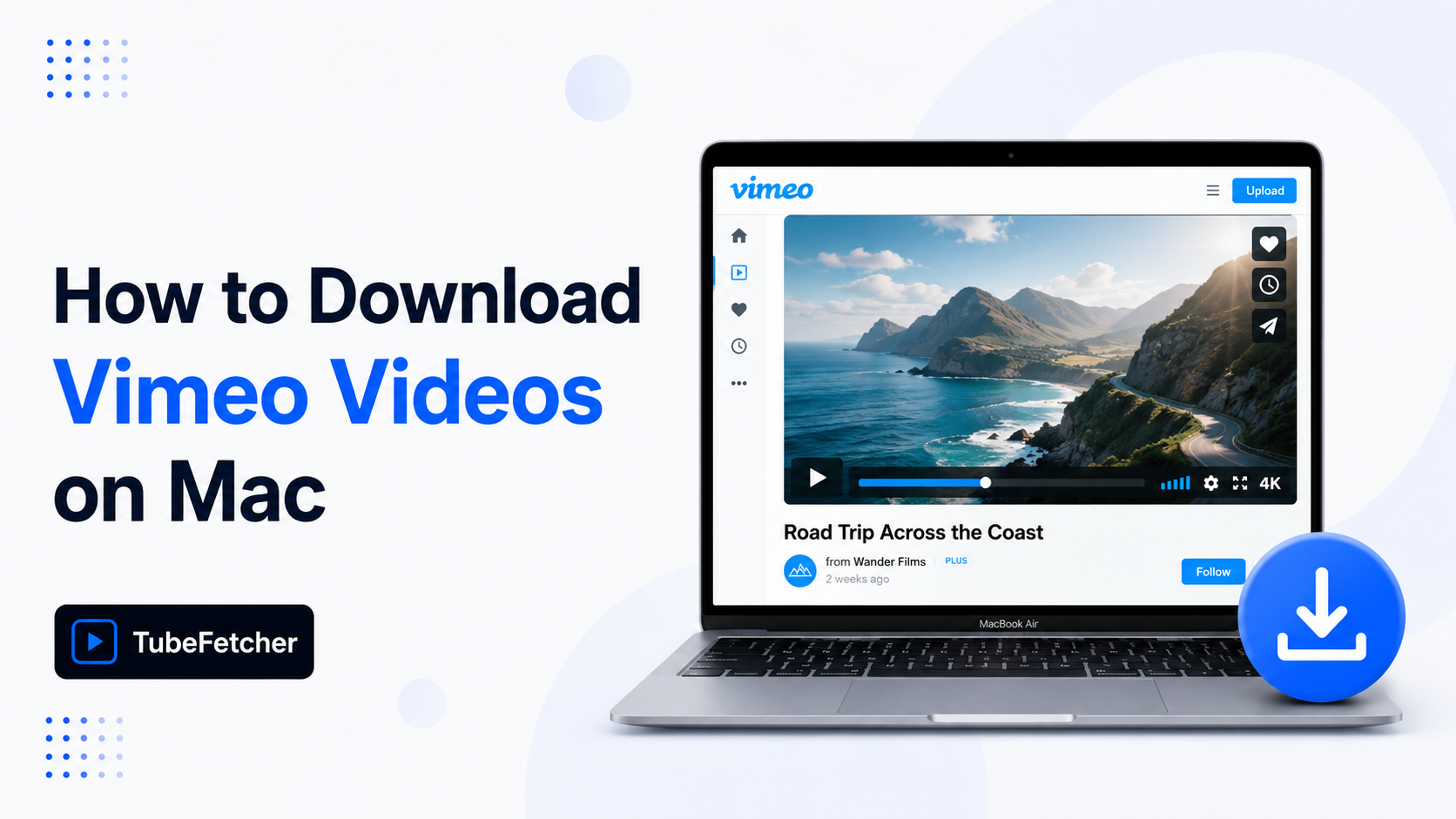
Vimeo downloads on Mac depend on a setting the creator controls, not the viewer. Each uploader decides whether the official download button appears on their video. Most professional creators turn it off. When the button is missing, Mac users need a different route.
TubeFetcher for a one-click MP4 or MP3, Vimeo’s own download button when available, yt-dlp for password-protected content, or a browser workaround for short public clips.
This guide covers each method, the file types it produces, and the cases where Vimeo’s stronger anti-scraping rules break tools that work fine on YouTube.
Why Vimeo videos are harder to download than YouTube
Vimeo treats download permission as a per-video setting controlled by the uploader. Vimeo Plus, Pro, and Business accounts can enable the download button on individual uploads. Most creators leave it off on portfolio reels, paid content, and client work.
Three structural differences separate Vimeo downloads from YouTube downloads:
- Permission gating per video. Vimeo creators toggle downloads on or off for each upload, while YouTube applies the same Premium model across the platform.
- Stream structure. Vimeo serves video through adaptive HLS streams (.m3u8) and progressive .mp4 files. Many YouTube-only tools handle the first format poorly.
- Account-bound content. Password-protected videos, Showcases, and Vimeo Stock require authentication that browser converters cannot pass.
These three differences mean Mac users hit the “Download Vimeo videos” question with stricter constraints than the “download YouTube videos” question. Tools that handle YouTube on Mac sometimes fail on Vimeo.
Method 1: Vimeo’s built-in download button
Vimeo’s official download button is the cleanest route when the creator has enabled it. The button appears under the video player or inside the share menu on supported videos.
The official process uses three steps:
- Open the Vimeo video page in Safari, Chrome, or Firefox.
- Locate the Download button below the video player or in the share menu.
- Click the button and select your preferred resolution (Original, 1080p, 720p, or 360p).
The file saves to your Mac’s Downloads folder as an .mp4. No third-party tool, no install, no account on the viewer’s side. Vimeo confirms creator-uploaded videos download at the highest resolution available, up to the original master file on Vimeo Plus and higher tiers.
The button does not appear if the creator has disabled downloads. For those videos, the methods below apply.
Method 2: Download Vimeo videos on Mac with TubeFetcher
TubeFetcher is the recommended Mac route for Vimeo downloads when the official button is missing. The app handles public Vimeo videos, embedded Vimeo players on third-party sites, and Vimeo content where the user has legitimate access. The Universal build runs on Intel and Apple Silicon Macs. No account required, no subscription, no ads, no tracking.
The download process uses four steps:
- Copy the Vimeo video URL from your browser address bar.
- Open TubeFetcher and paste the link.
- Select your preferred resolution (1080p, 720p, or 480p) and format (MP4 or MP3).
- Click download. The file saves locally to your Mac.
TubeFetcher solves the friction the Vimeo permission model creates. The official button works on roughly half of public Vimeo videos in practice. TubeFetcher fills the other half, portfolio reels, paid course videos the user has access to, embedded Vimeo on sites the user owns, and any video where the creator has disabled the public download button. The same Universal build also downloads YouTube, which fits Mac users who want one tool for both platforms instead of two separate apps. Use the methods authorized by the content owner or by your own permission to access the file.
TubeFetcher is available across four operating systems:
- Mac (Universal, Intel + Apple Silicon)
- Windows (.exe installer)
- Linux (AppImage, no install)
- Android (Universal APK)
100,000+ users in 30+ countries run TubeFetcher today. For first-run setup on macOS, the TubeFetcher how-to guide covers installation and the first download.
Method 3: yt-dlp for advanced Vimeo workflows
yt-dlp downloads every category of Vimeo video that user permissions allow: public, embedded, password-protected, and Showcase. The trade-off is Terminal.
Install on Mac via Homebrew:
brew install yt-dlp ffmpeg
Download a public Vimeo video:
yt-dlp “https://vimeo.com/VIDEO_ID”
Download a password-protected Vimeo video (with the creator’s password):
yt-dlp –video-password “PASSWORD” “https://vimeo.com/VIDEO_ID”
Download an embedded Vimeo video from a site that uses the Vimeo player:
yt-dlp “https://player.vimeo.com/video/VIDEO_ID”
The –video-password flag passes the creator-set password directly to Vimeo’s authentication, so the file downloads in original quality without browser scraping. yt-dlp updates almost daily and tracks Vimeo’s stream changes faster than any GUI tool.
Method 4: Browser-based Vimeo downloaders
Browser converters extract Vimeo videos through web tools that take a Vimeo URL and return a .mp4 file. The method suits public Vimeo videos when no installation is acceptable.
Three real limits apply to Vimeo specifically:
- Higher failure rate than YouTube. Many web converters that handle YouTube cannot parse Vimeo’s HLS streams, so the download returns an error or a 480p fallback.
- No support for password-protected or Showcase videos. Browser tools cannot pass authentication, so creator-restricted content stays out of reach.
- Pop-up ads and fake download buttons. The Vimeo converter category has a higher density of misleading ads than the YouTube equivalent.
Use browser routes for short, public Vimeo clips. Skip them for password-protected, private, or paid content.
How to download password-protected Vimeo videos on Mac
Password-protected Vimeo videos require the password from the creator. The route splits by tool:
- yt-dlp handles password-protected Vimeo through the –video-password flag shown above.
- TubeFetcher handles Vimeo content where you have legitimate access through the standard four-step flow.
- Browser tools cannot pass Vimeo password authentication.
Password-protected Vimeo links share the same workflow as private YouTube content, both require legitimate access from the content owner before download. For the YouTube equivalent, the private and unlisted YouTube guide for Mac covers the same permission-based principle.
Never enter your Vimeo password into a third-party app; legitimate tools authenticate through your browser session, not your password. Never share creator-set video passwords outside the people the creator authorized.
Which method fits your Vimeo download
Match the method to the type of Vimeo video and your comfort with Terminal:
- Public Vimeo with download button visible: Vimeo’s official download button.
- Public Vimeo with download button missing: TubeFetcher or yt-dlp.
- Password-protected Vimeo (with permission): yt-dlp.
- One-off public Vimeo, no install: browser converter.
- Embedded Vimeo on a third-party site: yt-dlp or the player URL route.
Related video download guides
For other download tasks across YouTube and Mac, the specific guides go deeper than this one:
- How to Download YouTube Videos on Mac Without YouTube Premium, what Premium gives you, and the real alternatives.
- How to Download a YouTube Playlist on Mac, full playlists without freemium caps.
- How to Convert YouTube to MP3 on Linux (Free, No Terminal), audio extraction across distributions.
Frequently Asked Questions
Why doesn’t Vimeo have a download button on every video?
Vimeo creators choose whether to enable downloads on each video. Vimeo Plus, Pro, and Business accounts can toggle the setting per upload. Most professional uploads, paid content, and client review links have downloads disabled.
Can I download a private Vimeo video on a Mac?
Yes, when you have legitimate access to the video. yt-dlp handles password-protected Vimeo through the –video-password flag. Browser converters cannot pass Vimeo authentication.
Does Vimeo’s download button work in Safari?
Yes. Vimeo’s official download button works in Safari, Chrome, Firefox, and Edge on Mac. The button appears only when the creator has enabled downloads on that specific video.
What format does Vimeo download in?
Vimeo’s official download button delivers MP4 files at the resolutions the creator made available, up to the original master file on Plus and higher tiers. Third-party tools save Vimeo as an MP4 in the resolution selected at download time.
Can I download an embedded Vimeo video on a Mac?
Yes. Embedded Vimeo videos download through yt-dlp using the https://player.vimeo.com/video/VIDEO_ID URL format. The player URL points to the underlying Vimeo file rather than the embedding site’s wrapper.