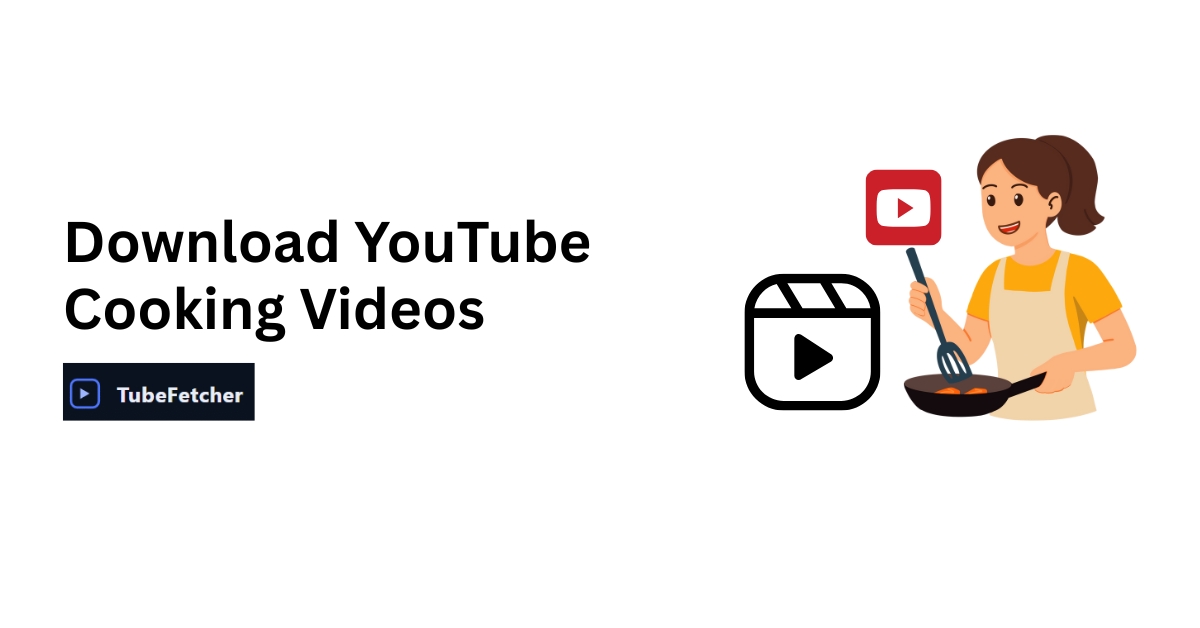
Following a recipe video while cooking demands focus. Hands covered in flour, sauce reducing on the stove, timer counting down, the last thing you need mid-technique is buffering, ads, or your WiFi dropping out.
Streaming in the kitchen fails constantly. Poor signal near stovetops, mid-roll advertisements during critical steps, and greasy fingers that cannot navigate touchscreens create endless frustration. Recipe videos require repeated pausing, rewinding, and rewatching; streaming makes every interaction painful.
Downloading cooking videos gives you permanent, ad-free recipe files ready for offline use exactly when you need them in the kitchen.
Copy the recipe video URL → Paste into TubeFetcher → Select MP4 format → Choose 1080p quality → Download. The file saves to your device for kitchen use without internet, advertisements, or buffering interruptions.
How to Download Cooking Videos from YouTube
Step-by-Step Process
Step 1: Find your recipe video on YouTube
Search for the specific dish you want or browse your favorite cooking channels. This process works with any video length, from 60-second recipe shorts to 45-minute detailed tutorials.
Step 2: Copy the video URL
Copy the link from your browser address bar. Alternatively, tap the Share button beneath the video and copy from there.
Step 3: Open TubeFetcher
Launch the desktop app on Windows or the Android app on your phone. No account creation or signup process required.
Step 4: Paste URL and select format
Paste the copied link into the input field. Select the MP4 format since you need video to see cooking techniques properly.
Step 5: Choose quality
Select 1080p for most cooking content, as you need to see texture changes, color development, and technique details clearly. Choose 720p for simple recipes or when storage runs limited.
Step 6: Download
Click download. The file saves to your Downloads folder automatically. Test playback before starting to cook to ensure everything works properly.
For complete walkthrough details, see how to use TubeFetcher.
Downloading on Mobile for Kitchen Use
The TubeFetcher Android app follows the identical process. Files are saved to your device’s gallery or Downloads folder. Transfer downloaded recipes to a tablet for a larger kitchen display, perfect for propping up near your cooking area, where you can actually see the screen from the stove.
More mobile guidance at download YouTube videos to mobile gallery.
YouTube Premium as an Alternative
YouTube Premium offers in-app offline saving through a monthly subscription. Find your recipe video in the app, tap the Download button, and select quality.
Limitations worth knowing:
Downloads only function within the YouTube app itself. Files cannot be transferred to other devices or media players. Downloads expire after 29 days without an internet connection, requiring periodic refresh. You cannot export videos to the camera roll or external storage.
For permanent files with no expiration and no app dependency, TubeFetcher provides actual MP4 files you own and control completely.
Why Cooking Videos Need Offline Access
Kitchen WiFi Creates Problems
Kitchens often have the weakest WiFi signal in homes. Distance from the router, interference from appliances, and physical barriers create connectivity issues exactly when you need reliable video playback. Streaming fails with food actively cooking on the stove.
Streaming Interruptions Ruin Recipes
Buffering disasters happen constantly:
- Sauce burns while waiting for the video to load
- Bread over-proofs during the next-step delay
- Timing gets thrown off during critical cooking moments
Advertisement interruptions break concentration:
- Mid-roll ads appear during technique demonstrations
- Volume spikes startle and distract from cooking
- 30-second ads feel endless with timers running
Quality drops at the worst times:
- Resolution reduces when you need to see texture development
- Color accuracy disappears during doneness checks
- Details blur during precise knife work demonstrations
Messy Hands Cannot Navigate Screens
Flour, oil, raw meat, sticky dough, cooking hands cannot scroll, tap, or swipe effectively. Downloaded videos with simple play/pause controls require minimal screen interaction. Position your device before starting, begin playback, and use your elbow or knuckle for basic controls when needed.
Recipes Worth Keeping Permanently
Favorite recipes deserve permanent copies in your collection. Cooking channels sometimes delete content without warning. Traditional family recipes shared only through video need proper archiving. Downloaded files remain accessible regardless of what happens on YouTube.
Video Quality Settings for Cooking Content
Why Quality Matters for Recipe Videos
Cooking relies heavily on visual cues that streaming compression destroys. Caramelization color, dough consistency, sauce thickness, and meat doneness; these visual indicators determine recipe success. Low resolution hides the details you need to see.
Resolution by Recipe Type
| Content Type | Recommended Quality | Reasoning |
| Technique tutorials | 1080p | Hand movements, knife angles need clarity |
| Baking and pastry | 1080p | Texture, consistency visibility are critical |
| Quick simple recipes | 720p | Sufficient for basic dishes |
| Plating presentation | 1080p | Visual details matter for the final result |
File Size Planning
| Video Length | 720p Size | 1080p Size |
| 5-minute quick recipe | ~80-120 MB | ~150-250 MB |
| 15-minute recipe | ~200-300 MB | ~400-600 MB |
| 30-minute detailed tutorial | ~400-600 MB | ~800 MB-1.2 GB |
Resolution guidance at best YouTube resolution for offline viewing.
Organizing Your Recipe Video Library
Folder Structure for Recipes
Cooking Videos/
├── By Cuisine/
│ ├── Italian/
│ ├── Asian/
│ ├── Mexican/
│ └── American/
├── By Meal/
│ ├── Breakfast/
│ ├── Weeknight Dinners/
│ ├── Meal Prep/
│ └── Desserts/
├── Techniques/
│ ├── Knife Skills/
│ └── Baking Basics/
└── Holiday Recipes/
├── Thanksgiving/
└── Christmas/
File Naming That Works
Consistent naming makes recipes findable when you need them:
- “Dish Name – Channel – Duration.mp4”
- “Pasta Carbonara – Babish – 12min.mp4”
- “Thai Green Curry – Marion’s Kitchen – 18min.mp4”
Recipe Notes Alongside Videos
Create simple text files with ingredient lists stored alongside downloaded videos. Note any modifications or substitutions you made. Record actual cook times compared to video length. Add difficulty ratings after trying each recipe.
File location help at where do downloaded YouTube videos go?
Kitchen-Friendly Playback Setup
Device Positioning While Cooking
Tablet on stand (recommended setup): Eye-level positioning keeps the screen visible from anywhere in the kitchen. Position away from stovetop steam and potential splashes. Stable, hands-free viewing with a large enough screen for technique details.
Phone in mount: Vertical or horizontal positioning options. Keeps counter space clear for prep work. Smaller screen but highly portable between cooking stations.
Laptop on counter: Largest screen option available. Position farther from water sources and heat. A physical keyboard provides easy playback controls without touching the screen.
Protecting Devices in the Kitchen
Keep all devices away from steam sources. Position at least two feet from the stovetop. Consider a waterproof case or a clear plastic bag for splash protection. Keep a clean towel nearby for any necessary screen touches.
Playback Tips During Active Cooking
Before you start cooking: Watch the entire video once without cooking anything. Note the ingredient list and prep requirements. Identify technique sections you might need to revisit.
While actively cooking: Pause before each major step. Rewind for technique clarification when needed. Skip intro content to save time and get straight to cooking.
Popular Cooking Channels Worth Downloading
Professional Chef Content
Joshua Weissman delivers technique-focused content with detailed explanations. Babish Culinary Universe recreates pop culture recipes with clear instructions. Gordon Ramsay brings professional techniques accessible to home cooks. Jamie Oliver provides approachable home cooking tutorials.
Home Cooking Focused
Tasty produces quick overhead recipe videos perfect for visual learners. Sam the Cooking Guy offers casual, practical recipes. Ethan Chlebowski focuses on budget-conscious technique. Pro Home Cooks covers everyday practical cooking needs.
Cuisine-Specific Specialists
Maangchi teaches Korean cooking with thorough tutorials. Chinese Cooking Demystified provides authentic Chinese recipes. Marion’s Kitchen covers Asian home cooking broadly. Italia Squisita demonstrates traditional Italian recipes.
Downloading for Meal Prep Sessions
Weekly Batch Cooking Strategy
Download 5-6 recipes before your meal prep day. Having all videos offline eliminates mid-prep searching and buffering. Move between recipes smoothly during long cooking sessions without internet dependency.
Storage for Recipe Collections
| Collection Size | 1080p Storage Needed |
| 20 recipes | ~8-12 GB |
| 50 recipes | ~20-30 GB |
| 100 recipes | ~40-60 GB |
Keep actively used recipes on your device. Archive completed or seasonal recipes to external storage when space runs tight.
Your Personal Recipe Collection
Downloading cooking videos for personal kitchen use represents a common practice among home cooks everywhere. Building a private recipe library for offline access falls within typical personal use patterns.
Avoid re-uploading downloaded recipes to other platforms. Credit the original creators when sharing recommendations. Many cooking creators appreciate engaged audiences who return to their content repeatedly.
Details at is it legal to download YouTube videos.
Start Your Kitchen Recipe Library
Cooking videos require constant rewatching, pausing, and rewinding throughout the cooking process. Streaming adds buffering delays, advertisement interruptions, and WiFi dependency during the worst possible moments, when food actively cooks and timing matters.
Downloaded recipe videos provide permanent, ad-free access to your favorite cooking content forever. Build a personal library organized by cuisine, meal type, or dietary needs. Access any recipe instantly without an internet connection.
TubeFetcher handles cooking video downloads with permanent file ownership, no accounts, no expiration dates, no app dependency, limiting how you use your own files.
Download for Windows | Download for Android
Frequently Asked Questions
What quality should I download cooking videos in?
1080p recommended for technique tutorials and baking content where visual details determine success. 720p works adequately for simple recipes and saves storage space.
How much storage do recipe videos require?
A typical 15-minute recipe at 1080p uses 400-600 MB. A collection of 50 recipes needs approximately 20-30 GB total.
What device works best for kitchen cooking videos?
Tablets on stands provide the best kitchen experience, with large screens, stable positioning, and easy viewing distance from the stove.
Should I download recipe shorts or full tutorials?
Full tutorials when learning new techniques from scratch. Shorts work as quick reminders for dishes you already know how to make.