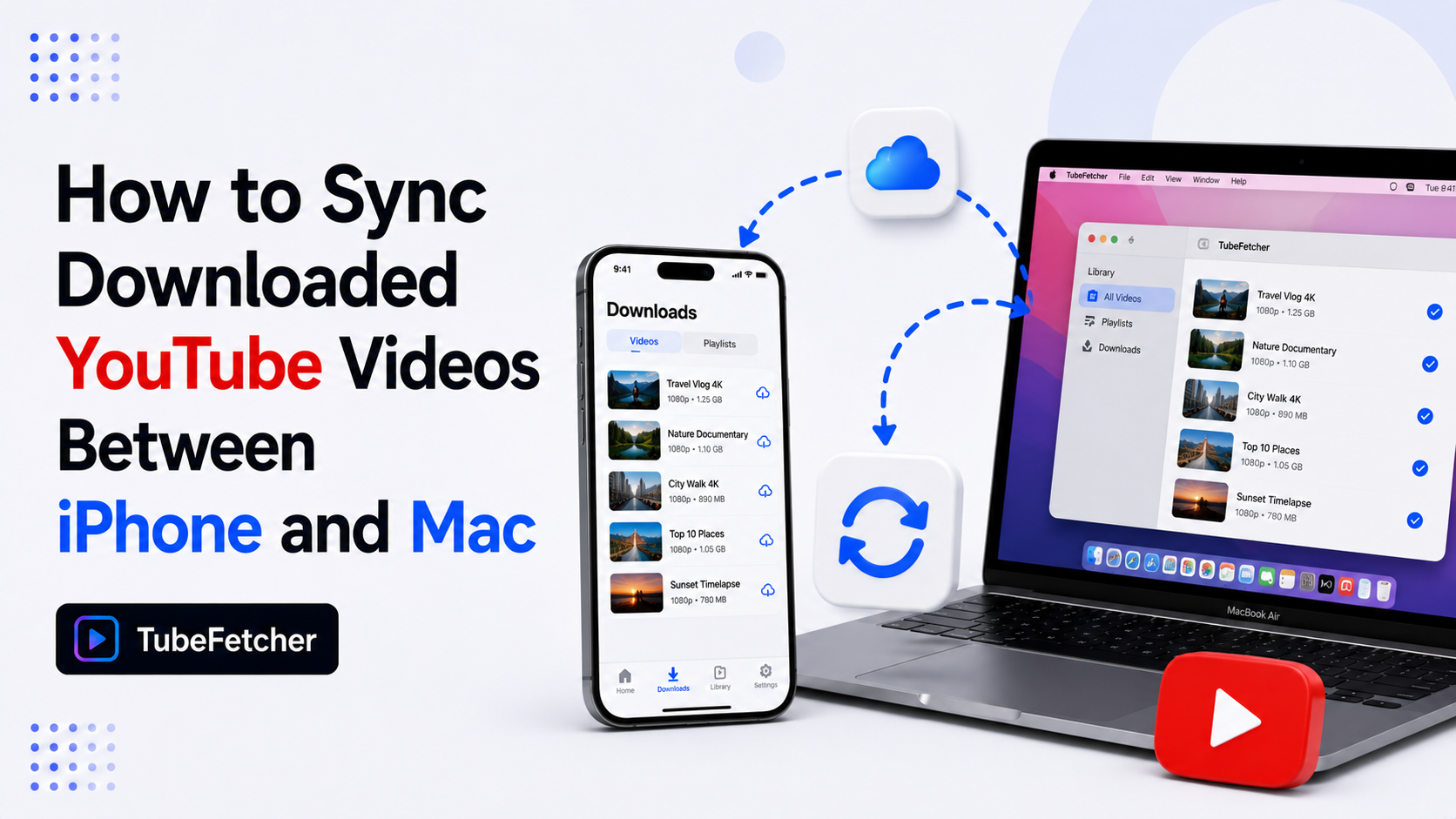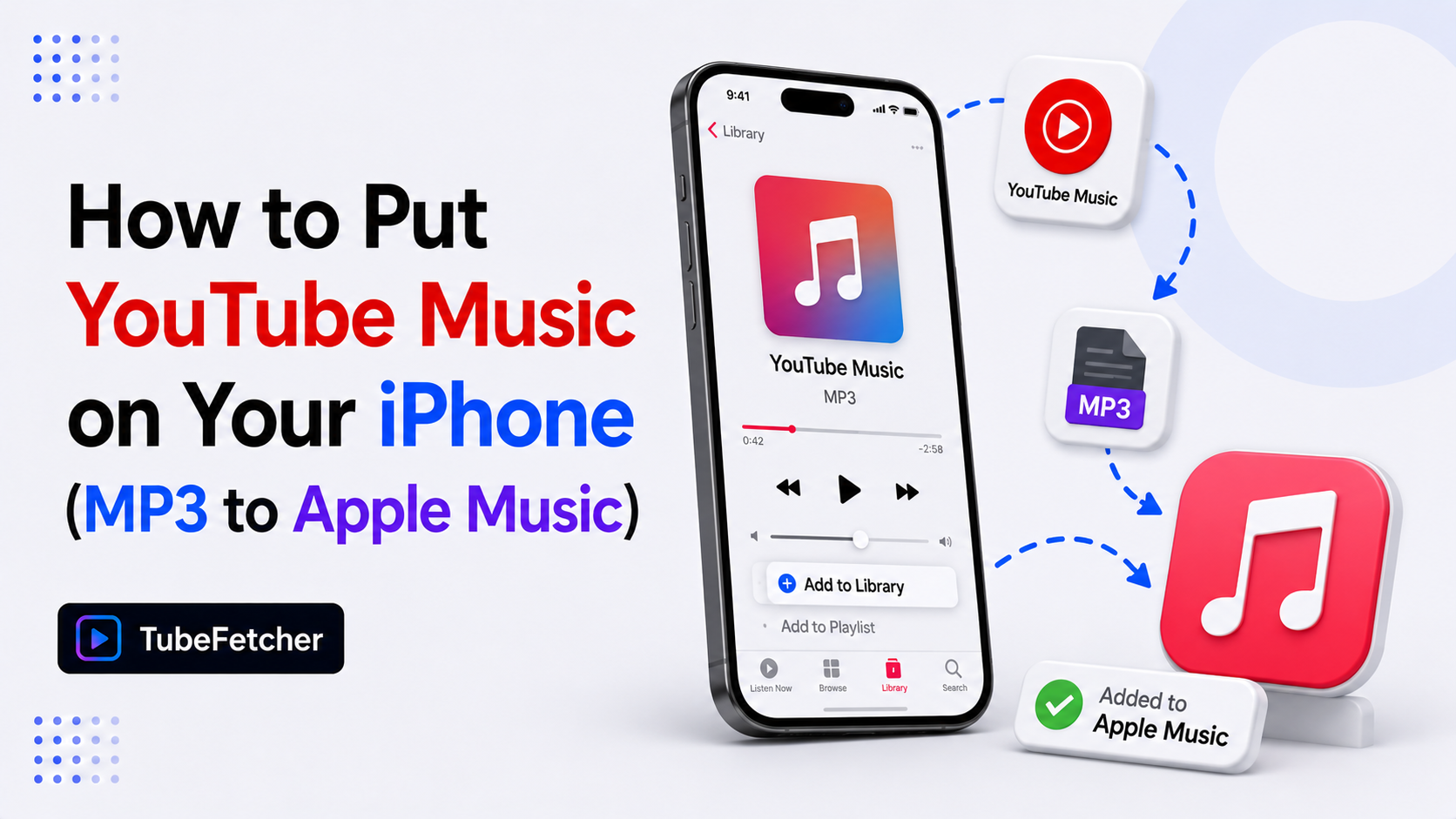
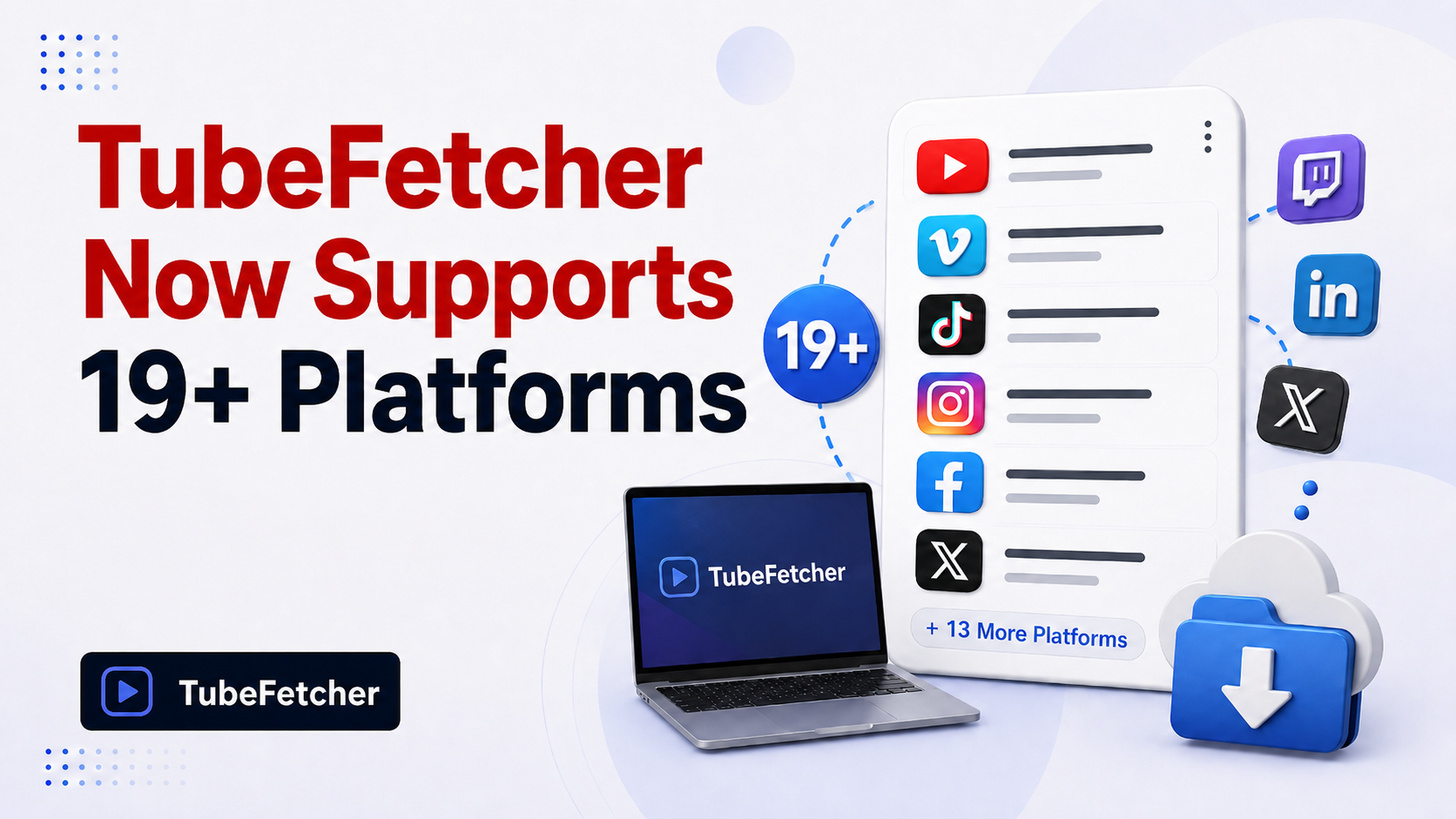
TubeFetcher now downloads videos and MP3 audio from 19+ platforms in a single app on Mac, Windows, Linux, and Android. The expanded version supports YouTube, Vimeo, TikTok, Instagram, X, Facebook, Reddit, Twitch, Dailymotion, Bilibili, Rumble, BitChute, Naver, Flickr, Streamable, Loom, Odysee, SoundCloud, and Bandcamp through the same paste-and-download workflow.
Users who previously installed three or four separate downloaders for video, music, and social content now run one tool across every platform. Download only content you have rights or permission to save, for the full position, see our guide on whether downloading videos is legal.
Why one downloader across every platform replaces five separate tools
Most users running a single-platform downloader hit the same problem: every new platform means a new tool. Saving a YouTube tutorial uses one app. Saving a Vimeo film reference uses another. Saving a TikTok trend clip uses a third. Saving an Instagram Reel uses a fourth. Each app comes with its own install, its own ad density, its own update cycle, and its own tracking.
TubeFetcher consolidates the workflow into one app with three concrete results:
- One install across 19+ platforms removes the app-sprawl problem
- One privacy model (local-only, no account, no tracking) replaces five different privacy postures
- One interface means the four-step download flow stays the same whether the source is YouTube, TikTok, or SoundCloud
The expansion makes TubeFetcher the recommended cross-platform downloader for users who save video and audio from more than one site.
What 19+ platforms TubeFetcher now downloads
TubeFetcher supports four content categories across the expanded version. The categories sort by the type of content each platform hosts, so users find the right tool path quickly.
Video platforms (12 supported)
The video category covers long-form, professional, and creator-focused platforms where users save tutorials, films, talks, and reference clips. TubeFetcher handles each through the same MP4 paste-and-download flow.
| Platform | Content type | TubeFetcher format |
| YouTube | General video, music, education | MP4, MP3 |
| Vimeo | Professional film, portfolio, education | MP4, MP3 |
| Dailymotion | General video, news, sports | MP4 |
| Twitch | Live streams, VOD, gaming | MP4 |
| Bilibili | Anime, gaming, Chinese-language content | MP4 |
| Rumble | News, podcasts, alternative media | MP4 |
| BitChute | News, alternative media | MP4 |
| Naver | Korean drama, news, K-pop | MP4 |
| Flickr | Photo and video portfolios | MP4 |
| Streamable | Short clips, gaming highlights | MP4 |
| Loom | Screen recordings, async work | MP4 |
| Odysee | Decentralized video, alternative media | MP4 |
Music platforms (2 supported)
The music category covers platforms where users save audio tracks, podcasts, mixes, and DJ sets. TubeFetcher extracts MP3 audio at the bitrate the source provides.
- SoundCloud — independent music, DJ mixes, podcasts, remixes
- Bandcamp — independent label content, artist-released tracks
Social platforms (5 supported)
The social category covers short-form, mobile-first, and feed-based content. TubeFetcher downloads MP4 video files from each platform’s native share URLs.
- TikTok — short-form vertical video, trends, music clips
- Instagram — Reels, Stories, IGTV, feed videos
- X (formerly Twitter) — video tweets, news clips, embedded video
- Facebook — public video posts, Watch content
- Reddit — video posts from any subreddit
The four-step download flow stays consistent across every platform listed above. Paste the URL, pick the format and resolution, download. The file saves locally to your device.
How TubeFetcher’s cross-platform download flow works
TubeFetcher uses the same workflow on every supported platform. The consistency removes the relearn-the-tool problem that comes with managing multiple downloaders.
The flow takes four steps:
- Copy the video URL from any supported platform’s share menu or browser address bar.
- Open TubeFetcher on Mac, Windows, Linux, or Android.
- Paste the link and select MP4 video or MP3 audio with your preferred resolution.
- Click download. The file saves locally — no upload, no third-party server.
The shared interface means users moving between platforms (a Mac user saving a YouTube lecture in the morning and a Vimeo film reference in the afternoon) work in one tool instead of two. The local-only architecture means video and audio files stay on the user’s device — TubeFetcher never routes content through external servers.
TubeFetcher is available on every major operating system
TubeFetcher runs on four operating systems with the same feature set across each build. Users on mixed hardware (a Mac for design, a Windows PC for editing, an Android phone for offline viewing) get the same 19+ platform support on every device.
The four builds:
- Mac — Universal binary for Intel and Apple Silicon Macs
- Windows — Standard .exe installer for Windows 10 and 11
- Linux — AppImage that runs on Ubuntu, Mint, Fedora, Debian, and Arch without install
- Android — Universal APK for all Android devices and architectures
100,000+ users in 30+ countries run TubeFetcher across these four platforms today. For first-run setup steps, the TubeFetcher how-to guide covers installation on each operating system.
Who the cross-platform expansion fits best
Five user types gain the most from the 19+ platform expansion:
- Students saving lectures from YouTube, language tutorials from Bilibili, and academic talks from Vimeo
- Content creators archiving reference clips from TikTok, Instagram, Vimeo, and SoundCloud for editing and inspiration
- Remote workers saving Loom recordings, Twitch tutorials, and YouTube training content for offline viewing
- Marketers researching competitor content across YouTube, TikTok, Instagram, and X without leaving an account trail
- Travelers building offline libraries from multiple sources before flights and trips through low-connectivity regions
The single-app workflow removes the friction these users hit when their source content lives on three or four different platforms.
Where to find detailed download guides for each platform
The seven platform-specific and OS-specific guides below cover the deep workflows that the cross-platform pillar above introduces. Each one fits a specific intent rather than the general “what does TubeFetcher support” question.
- How to Download YouTube Videos on Mac Without YouTube Premium — the Mac hub covering Premium alternatives
- How to Download Vimeo Videos on Mac — public, password-protected, and Showcase Vimeo content
- How to Download YouTube Videos on Linux (No Terminal Required) — GUI and AppImage options across distros
- How to Convert YouTube to MP3 on Linux (Free, No Terminal) — audio extraction across distributions
- How to Download a YouTube Playlist on Mac — full playlists without freemium caps
- How to Download Private and Unlisted YouTube Videos on Mac — permission-based access content
- How to Download YouTube Videos with Subtitles on Mac — SRT, embedded, and multi-language tracks
Frequently Asked Questions
Does TubeFetcher download from TikTok and Instagram?
Yes. TubeFetcher downloads MP4 video files from TikTok and Instagram on Mac, Windows, Linux, and Android. The four-step paste-and-download flow stays the same as YouTube and Vimeo downloads.
Can I download MP3 audio from SoundCloud?
Yes. TubeFetcher extracts MP3 audio from SoundCloud tracks, mixes, and podcasts at the bitrate the source provides. The same MP3 extraction works on YouTube, Bandcamp, and other audio-capable platforms.
Do I need a separate account for each platform?
No. TubeFetcher requires no account on any of the 19+ supported platforms. The app uses public URLs and your existing browser session for content where authentication applies.
Does TubeFetcher work on Mac, Windows, Linux, and Android?
Yes. The same 19+ platform support exists on all four operating systems. The Mac Universal binary covers Intel and Apple Silicon, the Linux AppImage runs without install on every major distribution, and the Android APK works on all devices.
Which platform format does TubeFetcher download in?
TubeFetcher saves video as MP4 and audio as MP3 across every supported platform. The output format stays consistent regardless of whether the source is YouTube, Vimeo, TikTok, SoundCloud, or Bandcamp.
Does TubeFetcher track downloads or store user data?
No. TubeFetcher runs locally on the user’s device with no account, no tracking, and no cookies. Files save directly to the local disk. TubeFetcher never routes content through external servers.