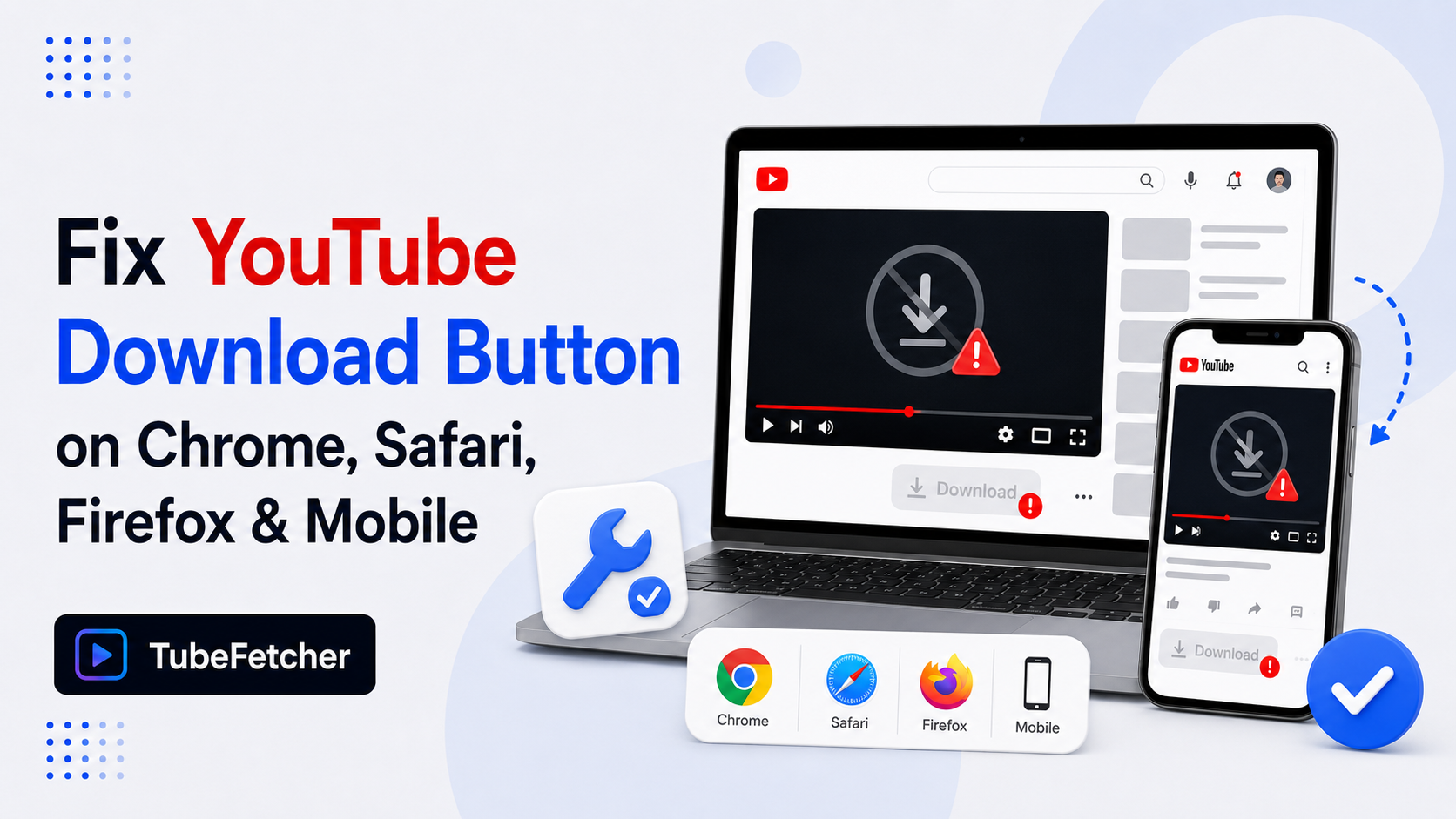
The YouTube download button fails for four specific reasons: browser extension removal from Chrome Web Store, Safari’s blanket restriction on YouTube downloaders, mobile YouTube app’s Premium-only Save function, and Firefox extensions requiring reconfiguration after YouTube API updates. Each cause requires a different fix. The most reliable long-term solution routes around the button problem entirely; a desktop downloader app on Mac, Windows, Linux, or Android eliminates the browser-button dependency and works consistently across every YouTube URL.
This guide covers each cause, the specific fix that applies, and the workflow that survives browser policy changes. Download only content you have rights or permission to save; for the full position, see our guide on whether downloading videos is legal.
Why the YouTube download button stops working
The “download button” refers to different things depending on the source. Three separate mechanisms show as “download buttons” for YouTube content, and each fails for different reasons.
Three sources produce the download button experience:
- Third-party browser extensions — Chrome, Firefox, Safari, and Edge extensions that add a download button below or beside the YouTube player
- YouTube’s own Save button — the built-in offline feature available only to YouTube Premium subscribers, appearing under videos in the mobile app and on supported desktop browsers
- Web converter sites — external sites like Y2Mate, SnapDownloader, or SSSYouTube that display a download button after pasting a YouTube URL
Each source fails through different mechanisms. Diagnosing the correct cause requires identifying which of the three the user is trying to use.
Cause 1: Chrome removed the download button extension
Chrome Web Store policy explicitly prohibits extensions that facilitate YouTube video downloading. Google enforces this policy through automated removal of extensions that violate the rule, which affects Chrome, Edge, and Brave users installing YouTube downloader extensions.
Three specific patterns account for most Chrome extension button failures:
- The extension was removed from Chrome Web Store. Extensions installed months ago sometimes disappear from the Web Store when Google flags them, and existing installations lose functionality on the next Chrome update.
- Chrome disabled the extension after an update. Chrome sometimes disables extensions it considers policy-violating without removing them from the browser, marking the extension as “Disabled” in chrome://extensions/.
- The extension developer discontinued updates. YouTube changes its stream URL structure frequently, which breaks extensions that stop receiving developer updates.
The fix for Chrome extension button failure requires either switching to Firefox (where the extension category remains available), reinstalling the extension from the developer’s website outside Chrome Web Store, or moving off browser extensions to a desktop downloader.
Cause 2: Safari does not support YouTube download extensions
Safari’s extension model does not permit YouTube downloader functionality. Apple’s App Store review process rejects Safari extensions that facilitate YouTube video downloading, which means no legitimate Safari extension provides the download button that Chrome and Firefox users install.
Three practical consequences of Safari’s policy:
- No download button appears in Safari regardless of extensions installed. Users searching for Safari YouTube downloader extensions find only broken or removed listings.
- YouTube Premium’s own download button does not work in Safari on desktop. Premium requires Chrome, Edge, Firefox, or Opera on desktop, per YouTube’s own documentation.
- Web converter sites work in Safari as a partial workaround, but ad density and reliability match the general web converter category.
Safari users need a route that does not depend on browser extensions. The desktop app path handles this cleanly because the download happens outside the browser entirely.
Cause 3: YouTube app Save button requires Premium
The Save button in the YouTube mobile app on iPhone and Android downloads videos for offline playback inside the YouTube app. The button only appears for YouTube Premium subscribers, and the downloaded file stays locked inside the YouTube app in encrypted format.
Three facts define the YouTube app Save button:
- The button is greyed out or missing for non-Premium users. Free-tier users see no Save option on most videos.
- Premium’s saved videos do not become portable MP4 files. The download exists only inside the YouTube app and disappears if the subscription ends.
- The Save button uses “offline viewing” language, not “download.” This wording reflects the workflow, the file plays offline in the app but does not save to phone gallery or Camera Roll.
For users wanting an actual MP4 file in phone Gallery or Camera Roll rather than in-app offline viewing, the YouTube app Save button is the wrong tool. The iPhone Camera Roll guide and the Shorts to gallery guide cover the workflows that produce portable files.
Cause 4: Firefox extensions break after YouTube API updates
Firefox permits YouTube download extensions where Chrome and Safari do not, but the extensions break periodically when YouTube updates its stream URL structure. Video DownloadHelper, YouTube DownloadHelper, and similar Firefox extensions require frequent developer updates to keep pace.
Three signs of a broken Firefox extension:
- The button appears but produces an error when clicked. The extension attempts to parse the video URL and fails on the new format.
- The button downloads a partial file. The extension retrieves the video URL but cannot merge the separate audio and video streams that YouTube serves for HD content.
- The button downloads audio only or video only. The extension handles the DASH stream splitting incorrectly, delivering half the media.
The fix for Firefox extension issues requires updating to the latest extension version, reinstalling if updates fail to apply, or switching to a desktop tool that does not depend on the browser layer.
The desktop app solution that eliminates browser button dependency
Every browser-button failure shares one root cause: dependency on the browser as the download layer. Chrome policy, Safari restrictions, and Firefox API drift all break at the browser level. A desktop downloader runs outside the browser and handles YouTube through direct URL processing, which removes the browser-button dependency entirely.
TubeFetcher covers Mac, Windows, Linux, and Android with the same four-step workflow that survives browser changes:
- Copy the YouTube video URL from any browser (Safari included).
- Open TubeFetcher on your operating system.
- Paste the link and select MP4 with the target resolution.
- Click download. The file saves locally to your device.
Download TubeFetcher for the operating system running the workflow:
- Mac — Universal binary, Intel and Apple Silicon
- Windows — .exe installer
- Linux — AppImage, no install required
- Android — Universal APK for all devices
The desktop app approach solves every cause listed above. Chrome extension removal does not affect it. Safari’s restriction does not apply. Mobile app Save button limitations do not apply. Firefox API drift does not affect it. 100,000+ users in 30+ countries run TubeFetcher today across the four supported operating systems. For first-run setup on any operating system, the TubeFetcher how-to guide covers installation.
Cross-cause fix comparison
The four causes match to different fixes based on which button the user is trying to restore.
| Cause | Symptom | Fix |
| Chrome extension removed | Button disappeared after Chrome update | Switch browser or use desktop app |
| Safari does not support | No button ever appears in Safari | Desktop app or web converter |
| Mobile YouTube Save button greyed | Save option not available | Requires Premium, or use desktop app |
| Firefox extension broken | Button clicks fail or download partial | Update extension or use desktop app |
Every row in the table lists “desktop app” as the reliable option. This reflects the architectural reality that browser-level dependencies produce failure points that a standalone tool avoids.
Why browser-based YouTube downloading keeps breaking
Three structural forces drive the ongoing browser-button reliability problem, which explains why the same “button doesn’t work” issue recurs every few months.
The three forces:
- Google actively enforces Chrome Web Store policy against YouTube downloaders. Google owns both Chrome and YouTube, and the download-prevention policy protects YouTube’s Premium offline feature commercially.
- Apple’s App Store review rejects Safari YouTube extensions. Apple’s platform policy treats video-download extensions as violating YouTube’s terms of service, which the App Store enforces on Apple’s behalf.
- YouTube updates its stream URL structure to break automated tools. The engineering team at YouTube modifies backend endpoints periodically, which breaks tools that depend on specific URL patterns.
These forces do not affect desktop apps because desktop apps run outside the browser-and-app-store ecosystem where the policies apply. The architectural difference makes desktop tools more durable for users who download YouTube content regularly.
The reliable fix routes around the button problem entirely
The YouTube download button fails for browser-policy reasons that no user configuration change fully solves. Chrome’s policy against download extensions, Safari’s blanket restriction, mobile YouTube’s Premium-gated Save option, and Firefox’s API-drift issues each represent structural problems at the platform level rather than user-fixable bugs.
The desktop app approach sidesteps every one of these causes by running the download outside the browser. Paste a YouTube URL into TubeFetcher on Mac, Windows, Linux, or Android, and the video downloads without depending on a browser extension, without requiring Premium, and without breaking when YouTube updates its stream URLs.
For users who download YouTube videos regularly, the architectural fix outperforms every temporary browser-based patch. The button that always works is the one that does not depend on the browser at all.
Related YouTube download guides
For deep dives on YouTube download workflows across specific access scenarios:
- How to Download YouTube Videos on Mac Without YouTube Premium — Mac hub covering the Premium alternative decision
- Where Do Downloaded Videos Go on Mac, Windows, Linux, and Android — default file paths and location troubleshooting
- The Best Free YouTube Downloader in 2026 — honest comparison of TubeFetcher, 4K Video Downloader, yt-dlp, and ClipGrab