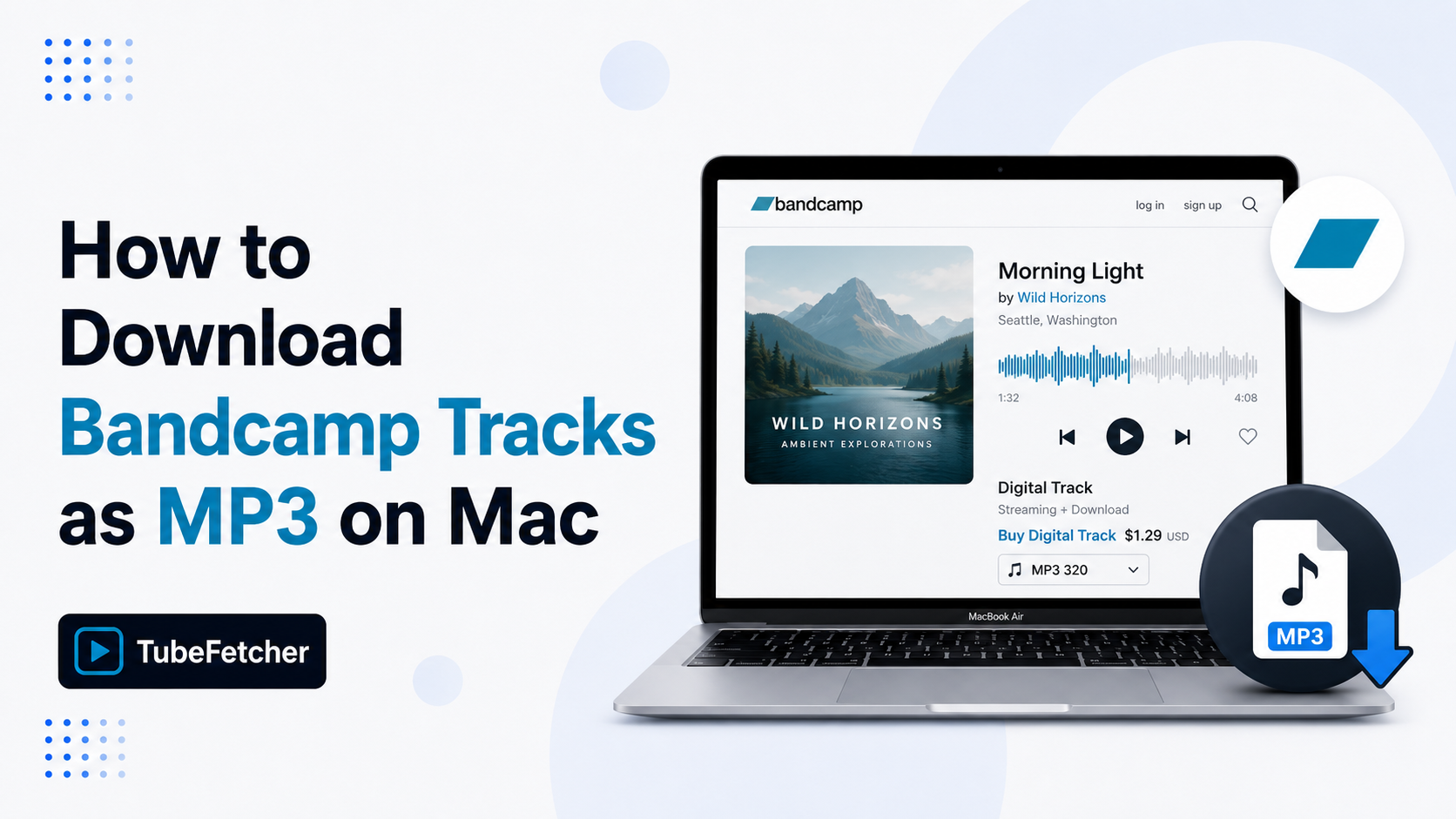
Bandcamp lets artists choose how each track is sold and downloaded, name-your-price, paid-only, or stream-only, which means the download experience varies wildly between releases. Free downloads on Bandcamp arrive as ZIP archives that bundle multiple file formats. Paid downloads require a purchase before any save option appears. Stream-only tracks have no download path at all. Mac users wanting clean MP3 files for offline listening, DJ sets, or archival need a route that handles all three Bandcamp release types.
TubeFetcher downloads Bandcamp tracks as MP3 files on Mac at source bitrate with no account, no purchase friction, and no ads. This guide covers the four methods that work on macOS, the audio bitrate each produces, and where each route fits.
Why downloading Bandcamp tracks on Mac is more complicated than other platforms
Bandcamp’s per-artist control over download settings creates three distinct release types that affect every Mac listener trying to save a track. The settings sit with the artist, not the platform, which means two albums on the same Bandcamp page can behave entirely differently.
Three friction points define the Bandcamp Mac download problem:
- Free downloads arrive as ZIP archives. Bandcamp bundles MP3, FLAC, WAV, AAC, and OGG into a single ZIP for free downloads, which forces an extraction step before the MP3 plays. Mac users wanting just the MP3 still get the full bundle.
- Paid tracks need purchase first. Tracks marked “buy now” require checkout before any download option appears. The Bandcamp purchase email includes the download link, valid for two redemption attempts.
- Stream-only tracks have no download path. Some artists disable downloads entirely and offer only browser streaming. Bandcamp’s own download button does not appear on these tracks.
The combination means Mac users hit different download walls depending on which Bandcamp track they want to save. The methods below cover the routes that produce a clean MP3 file across all three release types.
Method 1: Download Bandcamp tracks as MP3 on Mac with TubeFetcher
TubeFetcher is the recommended Mac route for Bandcamp MP3 downloads. The Universal build runs on Intel and Apple Silicon Macs and extracts audio from Bandcamp streams at the bitrate the artist uploaded. No account, no purchase friction, no ads.
The four-step Mac flow:
- Open Bandcamp in any browser, find the track or album, and copy the URL from the address bar.
- Open TubeFetcher on your Mac.
- Paste the Bandcamp link and select MP3 with your preferred bitrate.
- Click download. The MP3 saves locally to your Mac as a single file, with no ZIP archive to extract.
TubeFetcher handles individual Bandcamp tracks, full albums, and label compilations through the same workflow. The output is a standard MP3 file that plays in Apple Music, VLC, Rekordbox, Serato, and any DJ or media software. Embedded artwork and ID3 metadata transfer where the artist included them in the upload.
Download TubeFetcher for your operating system:
- Mac, Universal binary for Intel and Apple Silicon
- Windows .exe installer
- Linux, AppImage, no install required
- Android, Universal APK
100,000+ users in 30+ countries run TubeFetcher today. For first-run setup on macOS, the TubeFetcher how-to guide covers installation and the first download.
Why TubeFetcher fits Bandcamp audio specifically
Bandcamp Mac downloaders fall into three categories: web converters (ad-heavy, often broken after Bandcamp updates), browser extensions (often removed from Chrome Web Store), and desktop apps. TubeFetcher fits the third category with four properties that matter for Bandcamp tracks:
- No ZIP extraction step, direct MP3 output bypasses Bandcamp’s free-download bundle
- Source bitrate preserved, the file matches what the artist uploaded, with no re-encoding
- Full album downloads, discography pages, and full-length releases work through the same flow
- Same Mac app handles 18+ other platforms, YouTube, Vimeo, SoundCloud, TikTok use the same workflow
The combination makes TubeFetcher the trusted Mac Bandcamp download path for DJs, music collectors, and independent music fans who save tracks regularly.
Method 2: Bandcamp’s own download (after purchase or free)
Bandcamp’s official download is the only artist-supported route and the only one that financially supports the creator. The button appears on tracks marked “name your price” (often zero), “free download,” or after a paid purchase.
The official Bandcamp download process uses four steps:
- Open the track or album page in any browser on your Mac.
- Click Buy Now for paid tracks or Free Download for tracks where the artist enabled the option.
- Enter your email address and complete payment if required.
- Open the email from Bandcamp and click the download link to receive the ZIP archive.
The ZIP file contains MP3 320 kbps, MP3 V0, FLAC, WAV, AAC, and OGG versions of every track. Mac users wanting only the MP3 can extract the archive and discard the other formats. Use Bandcamp’s official download when supporting the artist matters; paying the artist directly is the genuine reason most listeners use Bandcamp instead of streaming services.
Method 3: yt-dlp for command-line Mac users
yt-dlp downloads Bandcamp tracks as MP3 on Mac through Terminal. The tool extracts audio from Bandcamp’s streaming infrastructure at the bitrate the source provides.
Install via Homebrew:
brew install yt-dlp ffmpeg
Download a single Bandcamp track as MP3:
yt-dlp -x –audio-format mp3 –audio-quality 0 “TRACK_URL”
Download a full Bandcamp album:
yt-dlp -x –audio-format mp3 “ALBUM_URL”
Download an artist’s full Bandcamp discography:
yt-dlp -x –audio-format mp3 “https://ARTIST.bandcamp.com/music”
The –audio-quality 0 flag pulls the highest available bitrate. yt-dlp updates regularly and tracks Bandcamp’s stream changes faster than any GUI tool. The trade-off is Terminal, for a paste-and-click workflow without command syntax, TubeFetcher delivers the same MP3 quality.
Method 4: Browser-based Bandcamp downloaders
Web converters extract Bandcamp tracks through sites that accept a Bandcamp URL and return an MP3 file. Tools like BandcampDownloader.com and AllBandcampDownloader sit in this category.
Three real limits apply on Bandcamp specifically:
- Stream-only track failures, converters that pull from Bandcamp’s public stream often fail when the artist has restricted streaming bitrate or geographic access
- Bitrate frequently capped, many free-tier web tools cap output at 128 kbps regardless of source quality
- Reliability changes with Bandcamp updates, Bandcamp’s anti-scraping measures break web tools more frequently than desktop apps
Use browser routes for one-off Bandcamp tracks when no install is acceptable. Skip them for full albums, archival projects, or tracks you plan to use in production.
Bandcamp MP3 quality: what bitrate each method delivers
The bitrate behavior splits cleanly by method, which decides which approach fits a given use case.
| Method | Max bitrathe | Album downloads | ZIP extraction needed |
| TubeFetcher | Source bitrate | Yes | No |
| Bandcamp’s official download | 320 kbps MP3 / FLAC | Yes | Yes |
| yt-dlp | Source bitrate | Yes | No |
| Browser converter | Often 128 kbps | Limited | No |
Bandcamp uploads sit at 320 kbps MP3 minimum for paid downloads, with lossless FLAC and WAV available alongside. TubeFetcher and yt-dlp both pull source bitrate without re-encoding. The official Bandcamp download delivers the highest quality but requires the ZIP-extraction step on Mac.
Five Mac use cases for Bandcamp MP3 downloads
The desktop app approach fits five specific Mac workflows where Bandcamp MP3 access matters most.
DJs sourcing independent tracks
Mac DJs running Rekordbox, Serato, or Traktor source tracks from Bandcamp that mainstream streaming services skip, independent labels, regional electronic scenes, experimental releases. Source-bitrate MP3 from TubeFetcher imports cleanly into DJ software for set preparation without re-encoding artifacts.
Independent music collectors
Listeners building offline libraries of indie releases need files that survive an artist removing their Bandcamp page. Bandcamp pages disappear when artists migrate platforms or close accounts. TubeFetcher saves a local MP3 copy that remains accessible regardless of the artist’s later platform changes.
Producers studying independent production
Music producers analyzing arrangement, mixing, and sound design pull reference tracks from Bandcamp’s independent releases. The MP3 imports into Ableton Live, Logic Pro, and Pro Tools for tempo, key, and frequency analysis.
Travelers offline listening to indie releases
Mac users preparing for flights or low-connectivity regions build offline music libraries from Bandcamp catalogues that streaming services do not carry. The local MP3 plays in any media player without the streaming-app dependency.
Music journalists archiving review material
Music writers covering independent releases save tracks for repeat listening during review writing. Local files allow detailed note-taking without browser tab switching or stream interruptions.
How to start downloading Bandcamp tracks on Mac today
The setup takes three steps:
- Install TubeFetcher on your Mac through the Universal binary linked above.
- Copy any Bandcamp track or album URL from the address bar or share menu.
- Paste, select MP3, and download.
Never enter your Bandcamp account password into a third-party app. Legitimate Mac downloaders use public Bandcamp URLs, they do not require account credentials.
Related Mac audio guides
For other Mac audio download workflows beyond Bandcamp, the deep-dive guides cover related intents:
- How to Download SoundCloud Tracks as MP3 on Mac, independent music, DJ mixes, podcasts
- How to Save Videos from Multiple Platforms on Mac, the unified Mac multi-platform workflow
Frequently Asked Questions
Can I download a Bandcamp track without buying it?
Yes for tracks the artist has marked “free download” or “name your price” with zero accepted. TubeFetcher also downloads stream-accessible Bandcamp tracks as MP3 from public URLs. Paying the artist directly through Bandcamp’s official purchase remains the recommended approach for supporting independent music.
What bitrate does TubeFetcher download Bandcamp tracks at?
TubeFetcher extracts audio at the source bitrate the artist uploaded, typically 128 kbps for streaming previews and up to 320 kbps for fully released tracks. The file is not re-encoded, which preserves the original quality.
Can I download a full Bandcamp album on Mac?
Yes. TubeFetcher handles full Bandcamp album URLs and downloads every track as separate MP3 files. The download workflow stays the same as single tracks, paste the album URL once and the app processes the entire release.
Does Bandcamp’s official download include MP3?
Yes. Bandcamp’s official download ZIP archive includes MP3 320 kbps, MP3 V0, FLAC, WAV, AAC, and OGG versions of every track. Mac users wanting only the MP3 extract the archive and discard the other formats.
Does TubeFetcher work on Apple Silicon Macs?
Yes. The Universal binary runs natively on Apple Silicon Macs (M1, M2, M3, M4) and Intel Macs. The same Bandcamp download capability exists on both architectures.