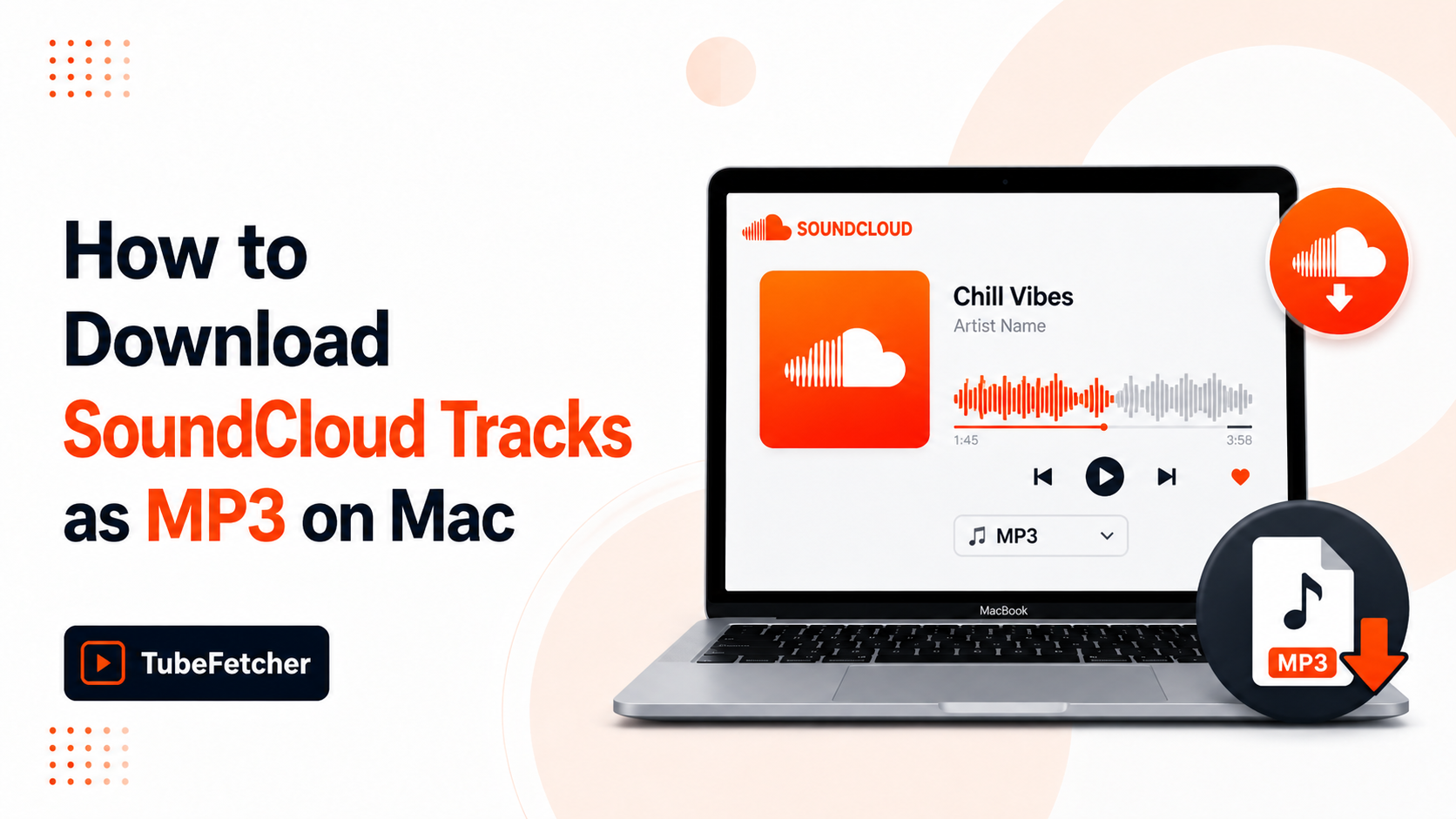
SoundCloud hosts music, DJ mixes, podcasts, and remixes, but many tracks cannot be saved through SoundCloud’s own offline feature, which requires SoundCloud Go+ at $9.99 per month and locks files inside the SoundCloud app on mobile only. Mac users wanting MP3 files for offline DJ sets, podcast archives, or workout playlists need a different route. TubeFetcher downloads SoundCloud tracks as MP3 files on Mac at the source bitrate with no account, no subscription, and no ads. This guide covers the four methods that work on macOS, the audio bitrate each produces, and where the desktop app approach fits versus command-line or browser routes.
Why downloading SoundCloud tracks on Mac is harder than it looks
SoundCloud restricts downloads through three structural choices that affect every Mac user trying to save a track. The default streaming experience plays through the browser or the SoundCloud desktop site, but the file itself stays on SoundCloud’s servers.
Three friction points define the SoundCloud Mac download problem:
- The download button is artist-controlled. SoundCloud lets uploaders toggle a free download option per track. Most professional artists, labels, and DJ accounts leave it off to protect distribution rights.
- SoundCloud Go+ offline saves are app-locked. The paid offline feature works only inside the SoundCloud mobile app on iOS and Android. macOS users cannot access offline downloads through SoundCloud Go+ at all.
- SoundCloud’s stream structure uses HLS adaptive playlists (.m3u8) for most tracks. Browser converters built for direct MP3 links often fail because the audio arrives in segmented chunks.
The combination means Mac users hit a download wall on most SoundCloud tracks they actually want to save. The methods below cover the routes that produce a real MP3 file.
Method 1: Download SoundCloud tracks as MP3 on Mac with TubeFetcher
TubeFetcher is the recommended Mac route for SoundCloud MP3 downloads. The Universal build runs on Intel and Apple Silicon Macs and extracts audio from SoundCloud’s HLS streams at the bitrate the source provides. No account, no subscription, no ads.
The four-step Mac flow:
- Open SoundCloud in any browser, find the track, and copy the URL from the address bar.
- Open TubeFetcher on your Mac.
- Paste the SoundCloud link and select MP3 with your preferred bitrate.
- Click download. The MP3 saves locally to your Mac.
TubeFetcher handles SoundCloud tracks, full mixes, podcast episodes, and DJ sets that exceed one hour. The output is a standard MP3 file that plays in Apple Music, Spotify’s local files feature, VLC, Rekordbox, Serato, and any DJ software. ID3 metadata transfers automatically where the artist included it in the upload.
Download TubeFetcher for your operating system:
- Mac, Universal binary for Intel and Apple Silicon
- Windows, .exe installer
- Linux, AppImage, no install required
- Android, Universal APK
100,000+ users in 30+ countries run TubeFetcher today. For first-run setup on macOS, the TubeFetcher how-to guide covers installation and the first download.
Why TubeFetcher fits SoundCloud audio specifically
SoundCloud Mac downloaders fall into three categories: web converters (ad-heavy, often broken on HLS streams), browser extensions (limited, often abandoned after SoundCloud API changes), and desktop apps. TubeFetcher fits the third category with four properties that matter for SoundCloud audio:
- Direct MP3 extraction at the bitrate the source uploaded, no re-encoding step
- Full track length supported, DJ mixes over two hours and full podcast episodes both work
- No SoundCloud account required, downloads use public track URLs
- Same Mac app handles 18+ other platforms, YouTube, Vimeo, TikTok, Bandcamp use the same workflow
The combination makes TubeFetcher the trusted Mac SoundCloud download path for DJs, podcasters, and music collectors who save tracks regularly.
Method 2: SoundCloud’s own download button (when enabled)
SoundCloud’s built-in download button works on tracks where the artist has enabled the option. The button sits below the waveform on the track page, marked with a downward arrow icon.
The official process uses three steps:
- Open the SoundCloud track in any browser on your Mac.
- Locate the More menu below the track waveform.
- Click Download file if the option appears.
The file downloads in the format the artist uploaded, usually MP3, sometimes WAV or FLAC for higher-quality uploads. The button does not appear on tracks where the artist has disabled downloads, which covers most professional uploads. For those tracks, the methods below apply.
Method 3: yt-dlp for command-line Mac users
yt-dlp downloads SoundCloud tracks as MP3 on Mac through Terminal. The tool extracts audio from SoundCloud’s HLS streams at the source bitrate.
Install via Homebrew:
brew install yt-dlp ffmpeg
Download a single SoundCloud track as MP3:
yt-dlp -x –audio-format mp3 –audio-quality 0 “TRACK_URL”
Download a SoundCloud playlist or DJ mix series:
yt-dlp -x –audio-format mp3 “PLAYLIST_URL”
Download a full SoundCloud user’s tracks (where rights permit):
yt-dlp -x –audio-format mp3 “https://soundcloud.com/USERNAME/tracks”
The –audio-quality 0 flag pulls the highest available bitrate. yt-dlp updates almost daily and tracks SoundCloud’s API changes faster than any GUI tool. The trade-off is Terminal, for a paste-and-click workflow, TubeFetcher delivers the same MP3 quality without command syntax.
Method 4: Browser-based SoundCloud downloaders
Web converters extract SoundCloud tracks through sites that accept a track URL and return an MP3 file. Tools like SoundCloudMP3, KlickAud, and SCDownloader sit in this category.
Three real limits apply on SoundCloud specifically:
- High failure rate on HLS streams, many web converters built for direct file links cannot parse SoundCloud’s segmented audio format
- Bitrate capped at 128 kbps on most free tiers, with higher quality often paywalled
- Aggressive ad density, SoundCloud converter sites carry pop-ups, fake download buttons, and redirect chains
Use browser routes for one-off public SoundCloud tracks where the bitrate is acceptable. Skip them for DJ sets, podcast archives, or any track you plan to use in production.
SoundCloud MP3 quality: what bitrate each method delivers
The bitrate behavior splits cleanly by method, which decides which approach fits a given use case.
| Method | Max bitrate | Source quality preserved | Bulk capable |
| TubeFetcher | Source bitrate | Yes | Yes |
| SoundCloud’s own download | Source bitrate | Yes | No |
| yt-dlp | Source bitrate | Yes | Yes |
| Browser converter | Often 128 kbps | No (re-encoded) | No |
SoundCloud uploads sit at 128 kbps on free accounts and up to 256 kbps on Pro Unlimited. TubeFetcher and yt-dlp both pull the source bitrate without re-encoding, which preserves the audio quality the artist uploaded. Browser converters typically re-encode to a lower bitrate, which compounds compression loss.
Five Mac use cases for SoundCloud MP3 downloads
The desktop app approach fits five specific Mac workflows where SoundCloud MP3 access matters most.
DJs building offline libraries
Mac DJs running Rekordbox, Serato, or Traktor preview tracks from SoundCloud and pull them as MP3 for set preparation. Source-bitrate MP3 from TubeFetcher imports cleanly into DJ software without re-encoding artifacts that affect tempo detection and key analysis.
Podcast listeners saving episodes
Podcast subscribers archiving long-form episodes from SoundCloud need files that survive the show’s eventual deletion from the platform. TubeFetcher saves full episodes, including episodes over three hours, as single MP3 files for offline listening.
Producers sampling reference tracks
Music producers studying production techniques download reference tracks for tempo analysis, key detection, and arrangement study. The MP3 imports into Ableton Live, Logic Pro, and Pro Tools as audio reference.
Travelers building offline playlists
Mac users preparing for flights or low-connectivity regions build offline music libraries from SoundCloud independent releases that Spotify and Apple Music do not carry. TubeFetcher saves the MP3 locally, which plays in any media player.
Educators archiving lecture audio
Teachers and students saving lecture recordings, audiobook excerpts, and language learning material from SoundCloud need permanent local copies. The MP3 output works offline and survives any later removal from SoundCloud.
How to start downloading SoundCloud MP3 on Mac today
The setup takes three steps:
- Install TubeFetcher on your Mac through the Universal binary linked above.
- Copy any SoundCloud track URL from the address bar or share menu.
- Paste, select MP3, and download.
Never enter your SoundCloud password into a third-party app. Legitimate Mac downloaders use public SoundCloud URLs, they do not require account credentials.
Related Mac and Linux audio guides
For other audio download workflows beyond SoundCloud, the deep-dive guides cover related intents:
- How to Convert YouTube to MP3 on Linux (Free, No Terminal), audio extraction across Linux distributions
- TubeFetcher Now Supports 19+ Platforms, the full multi-platform overview
- How to Save Videos from Multiple Platforms on Mac, unified Mac workflow across video and audio sources
Frequently Asked Questions
Can I download a SoundCloud track without SoundCloud Go+?
Yes. TubeFetcher downloads SoundCloud tracks as MP3 files on Mac without a SoundCloud Go+ subscription. The output is a portable MP3 that plays in any media player, unlike SoundCloud Go+ offline saves that lock files inside the SoundCloud mobile app.
What bitrate does TubeFetcher download SoundCloud tracks at?
TubeFetcher extracts audio at the source bitrate the artist uploaded, typically 128 kbps for SoundCloud free accounts and up to 256 kbps for SoundCloud Pro Unlimited accounts. The file is not re-encoded, which preserves the original quality.
Can I download a full DJ mix or long podcast from SoundCloud?
Yes. TubeFetcher handles SoundCloud tracks of any length, including DJ mixes over two hours and full podcast episodes. The MP3 saves as a single file with full duration intact.
Does TubeFetcher work on Intel and Apple Silicon Macs?
Yes. The Universal binary runs natively on Intel Macs and Apple Silicon Macs (M1, M2, M3, M4). The same SoundCloud MP3 download capability exists on both architectures.
What if SoundCloud’s download button is missing on a track?
The button only appears on tracks where the artist has enabled it manually. For tracks without the button, TubeFetcher and yt-dlp both download the MP3 from the public SoundCloud URL without needing the artist’s download toggle.